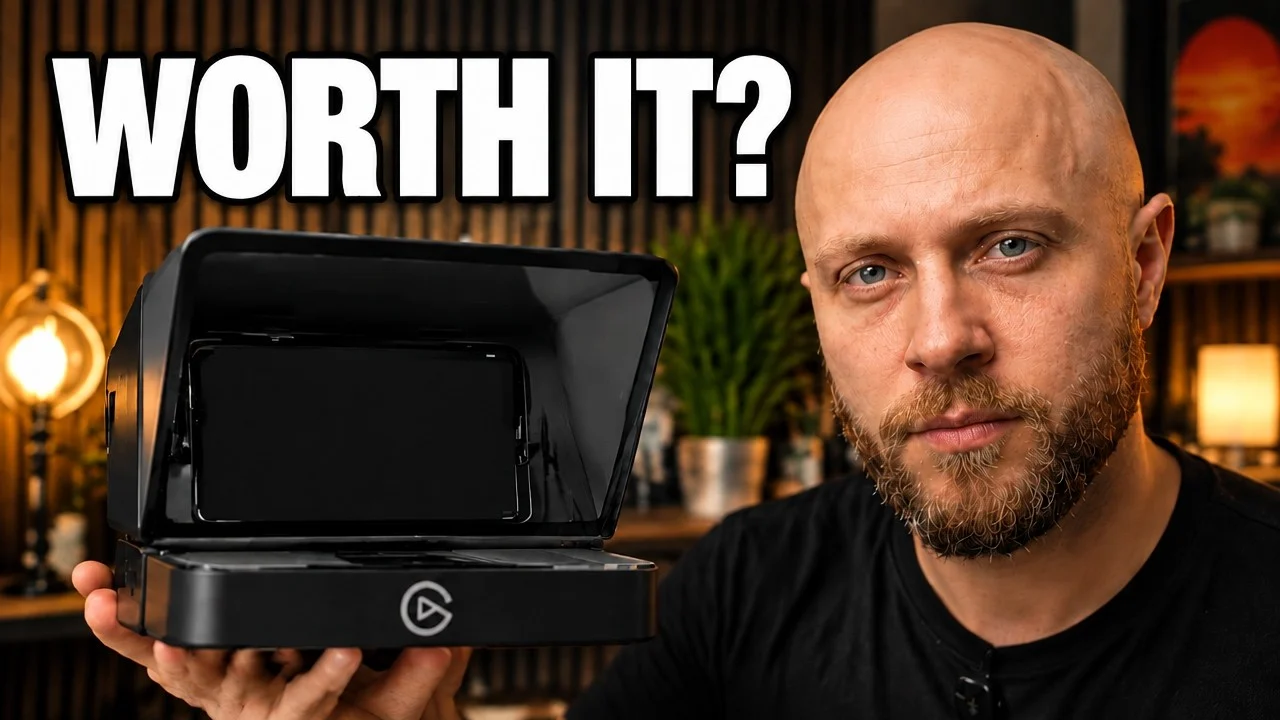
For creators who deliver scripted content regularly, the Elgato Prompter is a workflow changer. Expect a few optical and setup trade-offs, and real gains in time and mental energy.
- Built-in screen: no separate monitor or tablet to juggle
- Native Stream Deck and Camera Hub integration
- Keeps natural eye contact on camera
- Fewer retakes on scripted videos
- Darker footage through the beam-splitter glass
- Screen glare needs a polarizing filter
- VoiceSync can lag or hang
- Front-heavy rig needs a sturdy tripod
- Basic script editor
- Limited mounting options for webcams
| Screen | 9-inch, 1024 × 600, about 400 nits |
|---|---|
| Reading distance | About 3–4 feet |
| Connection | USB-C (USB 3.0), power and data |
| Mounting | Universal shroud, 82 mm backplate |
| Works with | DSLR and mirrorless cameras, select webcams |
| VoiceSync needs | Nvidia RTX 2060+ or Apple M1+ |
| Weight | About 1.5 lb |
Imagine writing a script, setting up your camera, recording—and then spending two hours in post-production cutting out "umms," awkward pauses, and flubs. Sound familiar?
The Elgato Prompter changes the game. It's a teleprompter for content creators that lets you read directly to camera while keeping natural eye contact, saving hours of editing time.
In this article, I'll break down how it works in practice, share real examples, and explain why it's worth the investment—even if you don't shoot daily.
Why a teleprompter might actually save you hours
There’s a familiar loop for anyone who records scripted content: write the script, set up the camera, hit record—and immediately blank out or keep glancing down at notes. What should be a quick 10-minute recording turns into a two-hour slog, then a painful edit session trying to stitch together usable takes.
If you create scripted videos regularly, the Elgato Prompter aims to fix that by letting you read your script while keeping direct eye contact with the lens. Here’s a practical breakdown of what it is, how it works, and whether it’s worth the money.
Unboxing and what’s included
The kit arrives in a few boxes and includes:
- Beam splitter glass and hooded teleprompter frame
- Separate display unit that sits below the glass
- Step-up rings for lens sizes
- Mounting platform and cables
- Basic instructions and setup guide
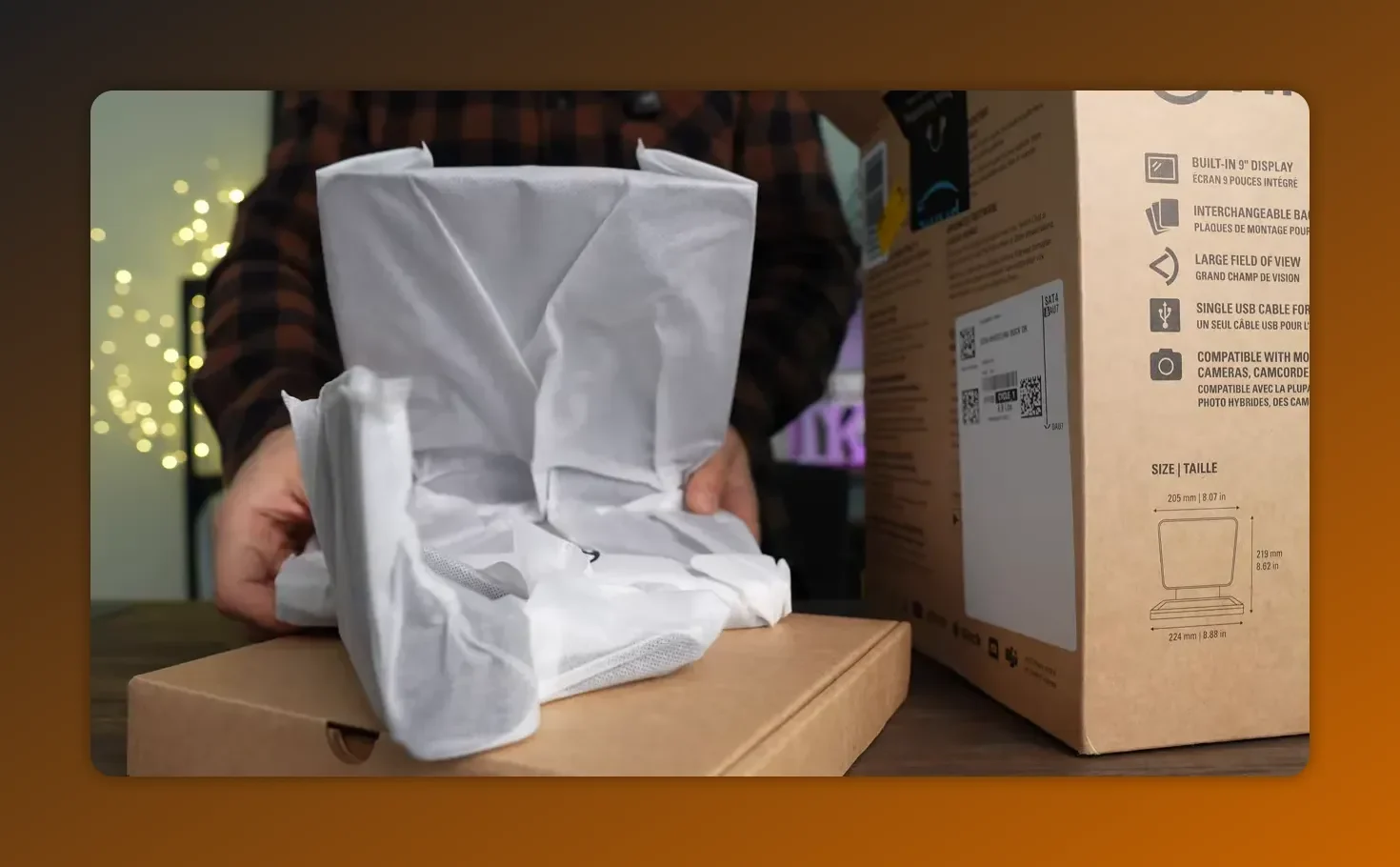
The unit is compact—about the size of a desk mouse for reference—which makes it useful for desktop setups where you sit 3 to 4 feet from the camera.
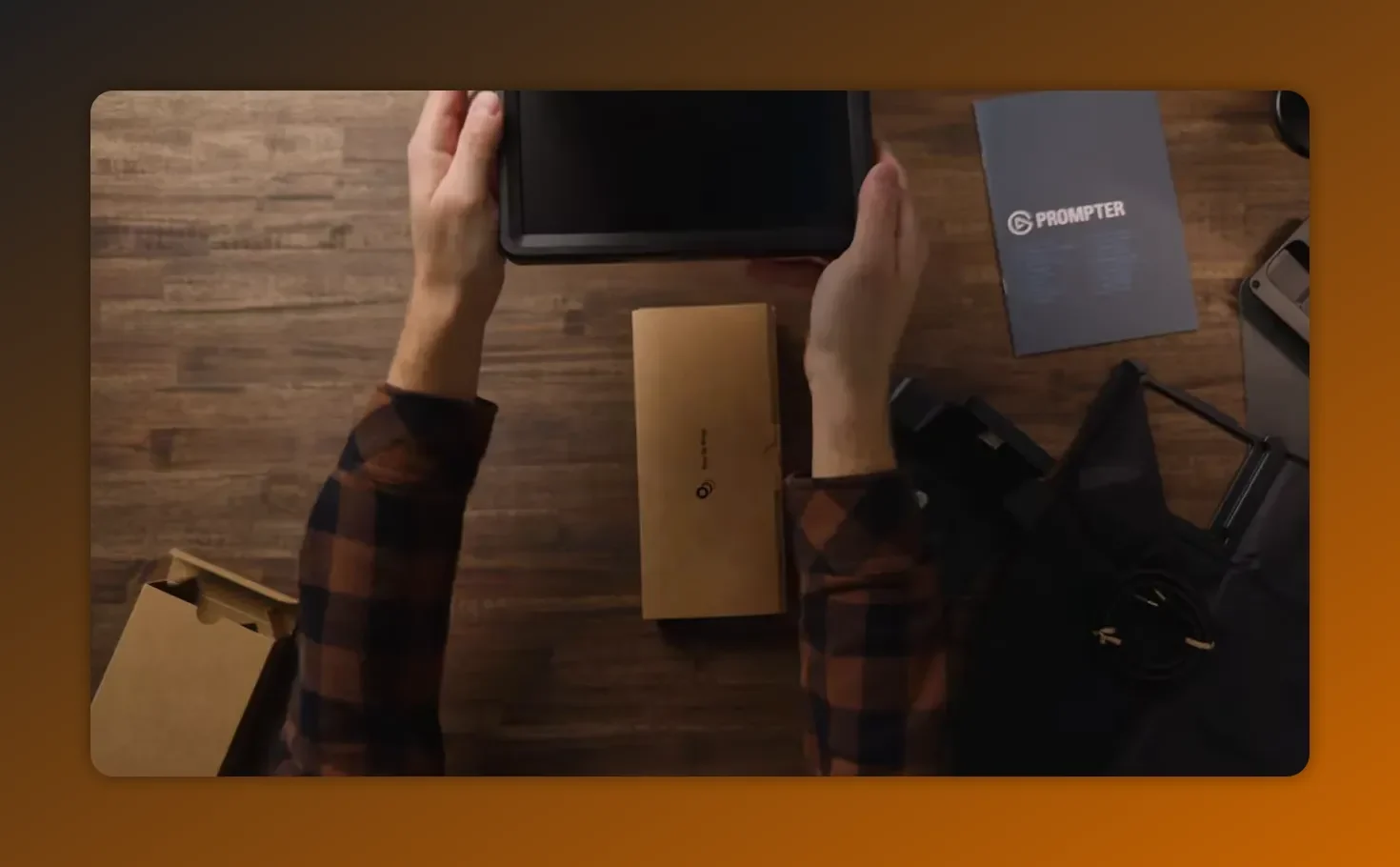
Unlike traditional teleprompters that require a separate monitor or tablet, the Prompter's built-in display simplifies your setup. The 9-inch display with 1024 x 600 px resolution provides clear text visibility from your typical recording distance. The universal shroud backplate and multiple mounting options (including an L bracket) let you attach it to various DSLR cameras and even some webcams with the appropriate adapter.
Setting Up with Elgato Stream Deck and Camera Hub
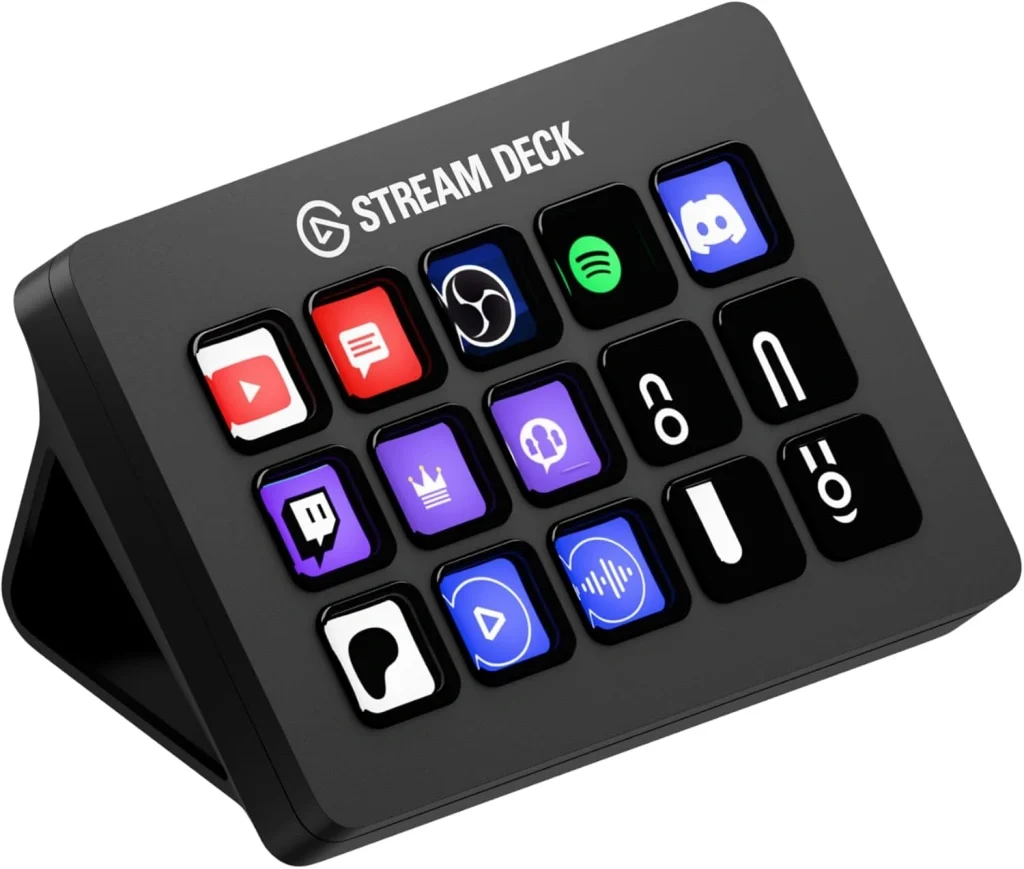
The Elgato Prompter integrates seamlessly with the Elgato ecosystem. If you use Stream Deck, you can control scroll speed and start/stop functions directly from your deck without touching the mouse. The Camera Hub software handles the prompter's built-in display settings, letting you adjust brightness, font size, and display mode from one interface.
For Zoom conferences or Twitch streams, the standalone design means you can maintain eye contact while reading chat messages or video scripts. The built-in display eliminates the need for a separate monitor or tablet setup.
Key integration points:
- Stream Deck: Assign hotkeys for scroll control and voice sync toggle
- Camera Hub software: Configure display brightness and contrast
- Zoom: Position prompter for natural eye contact during video calls
- Twitch: Read stream chat while maintaining direct camera connection
How the Elgato Prompter works (short technical primer)
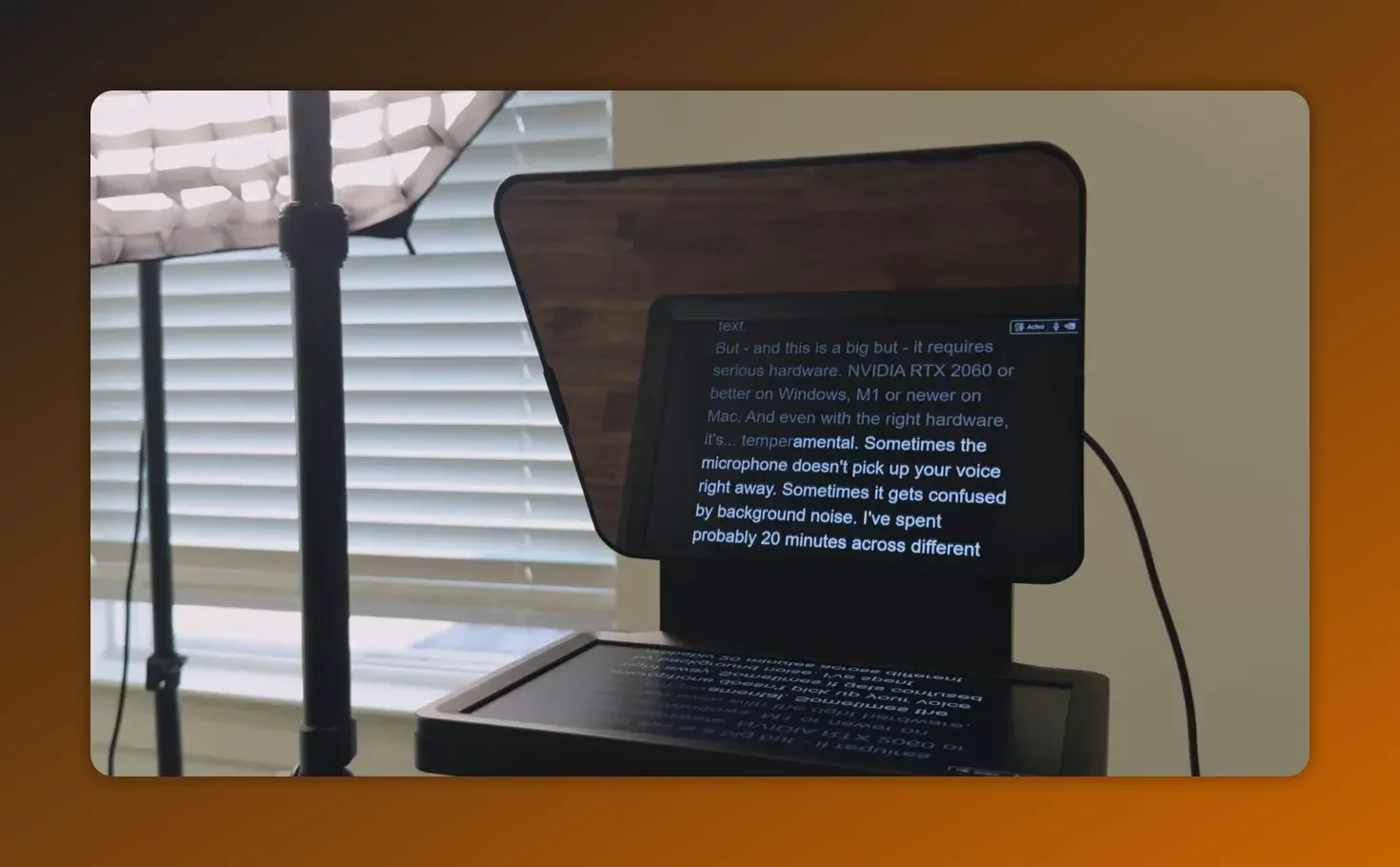
The Prompter uses beam splitter glass at a 45 degree angle. A bright screen under the glass displays the script, the image bounces up and reflects off the glass toward you, and the camera sees through the glass so the text appears to float in front of the lens.
Key specs to know:
- Screen: 9-inch, 1024 x 600 pixels, ~400 nits
- Readability: Designed for ~3–4 feet distance
- Weight: About 1.5 pounds
Display specs:
- Built-in display: 9-inch, 1024 x 600 px
- Connectivity: USB-C (USB 3.0) for power and data
- Mounting: Universal shroud with 82 mm backplate
- Compatible with: DSLR cameras, select webcams, PC or Mac computers
The beamsplitter glass sits at 45 degrees, reflecting text from the screen below while remaining transparent to your camera lens. This design works with both DSLR and webcam setups, though a DSLR camera typically produces better results thanks to superior low-light performance.
Signature feature: VoiceSync
VoiceSync is the standout: the Prompter listens to your voice and adjusts the scroll to match your pace. Speed up, it speeds up. Pause, it pauses. Speak off-script, it waits for you to rejoin.
Important caveat: VoiceSync is resource-hungry. Recommended requirements include an Nvidia RTX 2060 or better on Windows and an Apple M1 or newer on Mac. In practice it’s reliable about 80% of the time; the rest can produce lag or the text getting stuck waiting for audio.
Alternative Control Methods
- Beyond voice sync, you can control scrolling via:
- Stream Deck integration: Map buttons to start, stop, and adjust scroll speed
- Manual scroll: Use keyboard shortcuts or the Elgato Camera Hub interface
- Display mode options: Switch between mirrored and standard views depending on your mounting setup
For live streaming on Twitch or presenting during a Zoom conference, Stream Deck control offers reliable teleprompting without depending on voice recognition. You maintain eye contact with the camera while reading scripts or chat messages, creating a more natural viewing experience for your audience.
Real impact: does it actually save time?
Yes—if you produce scripted content often. Using the Prompter reduced retake rates noticeably. The real benefit wasn’t just fewer takes but less mental friction. With the script right there, it’s easier to hit record and deliver, which helps with consistency.
Common problems and practical fixes
There are trade-offs to be aware of. These are the issues you need to plan around and the fixes that actually work.
1. Darker footage
Shooting through coated beam splitter glass reduces incoming light. Expect to raise ISO, open aperture, or add lights. Each choice has consequences—more noise, shallower depth of field, or extra gear costs.
2. Glare and halo from the prompter screen
A bright screen can produce a subtle halo or reflections. A simple, effective fix is a circular polarizing filter on your lens to cut glare.
3. VoiceSync reliability
Works most of the time but can lag or hang. On Mac systems it may occasionally need a restart to resolve quirks. Treat VoiceSync as a convenience, not a guarantee.
4. Front-heavy rig
Even at 1.5 pounds, mounting the prompter to the lens makes your setup tip forward. The solution: use a stout tripod or a support rig. Budget this into the total cost.
5. Basic script editor
The supplied software is functional but limited: minimal formatting, no easy way to export a full script, and fewer editing controls than power users will want.
6. Setup and mounting considerations
The Prompter's multiple mounting options require careful planning. The 82 mm universal shroud backplate fits most DSLR lenses, but check your camera lens diameter before ordering. The L bracket provides additional mounting flexibility for different rig configurations.
For webcam users, mounting options are limited compared to DSLR setups. The front-heavy design means webcams may lack the mounting strength needed. Traditional teleprompers often offer more webcam-friendly mounting, so verify compatibility before purchasing.
The USB cable length (typically 6 feet) determines how far you can position your computer from the prompter. For desk setups this works fine, but for live streaming rigs or video calls from greater distances, you may need a USB 3.0 extension cable to maintain the 4K-capable data connection.
When the Elgato Prompter is worth buying
Consider it if any of the following apply:
- You create scripted videos regularly (reviews, tutorials, educational content)
- You’re wasting time on retakes and edits because of delivery issues
- You need to improve consistency and reduce mental friction around recording
Skip it if your content is mainly improvised—vlogging or casual conversations—or if you’re just starting and want to keep costs low.
The Prompter shines for:
- YouTube creators producing scripted tutorials or reviews
- Business professionals recording training videos or zoom presentations
- Twitch streamers who need to read chat while staying camera-focused
- Anyone using a DSLR camera for content creation who values consistent delivery
If you already own a Stream Deck or use the Elgato Camera Hub software, integration is straightforward thanks to native support. The USB-C connection (USB 3.0) provides both power and display signal through a single cable.
Short verdict
For creators who need to deliver scripted content reliably, the Elgato Prompter can be a workflow changer. The built-in display, Stream Deck integration, and Camera Hub software create a complete teleprompting solution that's worth the cost for regular video production. Whether you're recording YouTube tutorials, hosting Zoom presentations, or streaming on Twitch while reading chat, the Prompter helps you maintain natural eye contact and feel more natural on camera.
Expect to balance optical and setup trade-offs against real gains in time and mental energy. The standalone design with integrated screen beats juggling a separate monitor or tablet. If consistency matters and you use compatible DSLR cameras, it's a tool that earns its place on the desk.
FAQ
Will the glass ruin my image quality?
The coated glass reduces light, so you’ll need to compensate with ISO, aperture, or extra lighting. The glass itself is optically transparent, but you do lose exposure. A polarizer helps reduce reflections and glare.
How reliable is VoiceSync?
VoiceSync is convenient but not flawless—expect around 80% reliability. It requires a fairly powerful GPU on Windows or an M1+ Mac. Occasional lag or stuck text can happen and usually resolves with a restart or minor adjustments.
Will this work with my camera and lens?
Yes, the kit includes step-up rings for different lens diameters and a removable spacer for wider lenses. Keep in mind the added front weight—use a solid tripod or support to prevent the rig from tipping forward.
Is the software editor good enough for professional scripts?
The editor is basic. It handles straightforward scripts fine, but if you need advanced formatting, export options, or fine-grained control, you may need to prepare scripts in another app and import them.
Who should buy this?
Buy it if you regularly film scripted content and want fewer retakes and more consistent delivery. Skip it if your videos are mostly improvised or you’re on a tight hobby budget.
Does it work with Stream Deck and other Elgato products?
Yes, the Prompter integrates directly with Stream Deck for hands-free control and with Elgato Camera Hub software for display configuration. You can map Stream Deck buttons to control scroll speed, start/stop, and voice sync toggle. The Camera Hub handles brightness, font adjustments, and display mode settings. This integration works on both PC and Mac computers with the appropriate software installation.
For Zoom video calls or Twitch streaming, the standalone built-in display means you don't need a separate monitor or tablet. The USB cable (USB-C to USB 3.0) provides power and video in one connection. Multiple mounting options, including the universal shroud backplate and L bracket, accommodate different DSLR cameras and select webcams.
Final notes
For creators who need to deliver scripted content reliably, the Elgato Prompter can be a workflow changer. Expect to balance a few optical and setup trade-offs against the real gains in time and mental energy. If consistency matters, it’s a tool that earns its place on the desk.
Related reviews: Maono PD200W review and Instax Mini 99 first look.
Elgato Prompter