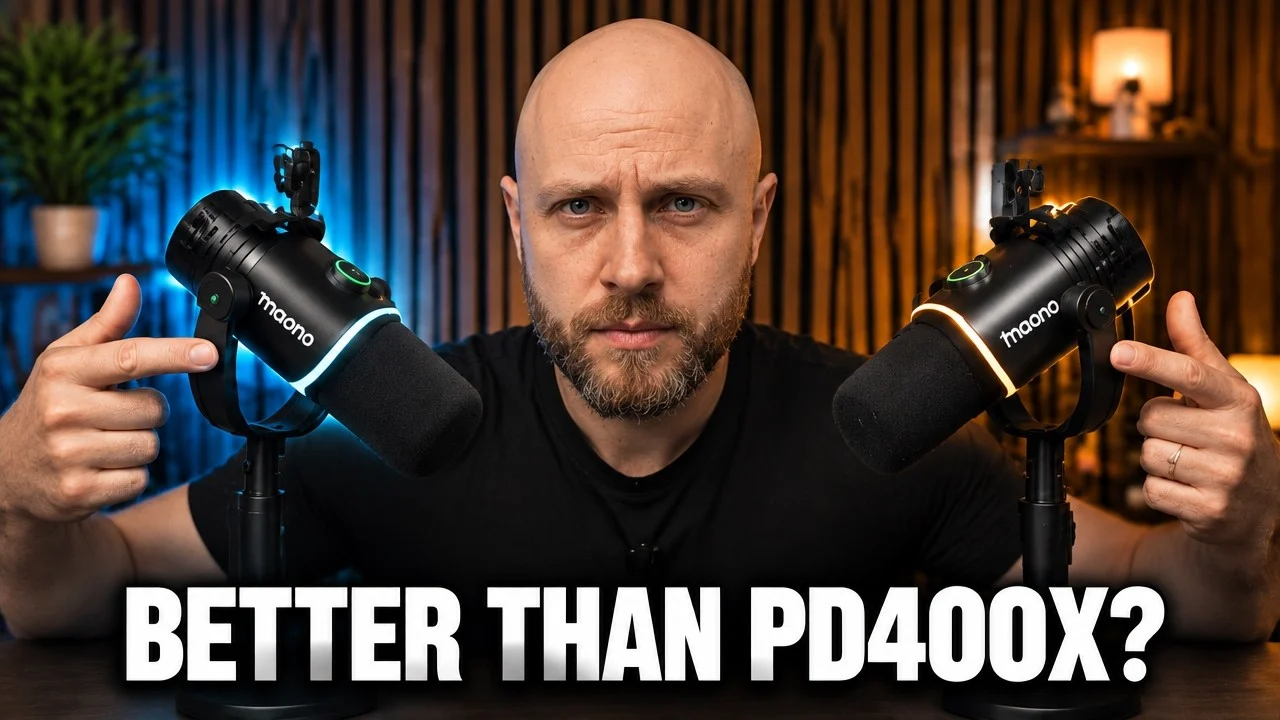
An excellent-value hybrid microphone for creators who need flexibility and multi-device setups. Not a studio XLR replacement, but it solves the cable problem and sounds clean in every format.
- XLR, USB-C and 2.4 GHz wireless in one mic
- Multi-device pairing and separate-channel podcast recording
- Intuitive Maono Link software
- Three-stage noise cancellation
- 60 hours of battery life
- 3.5 mm jack for monitoring
- The BA37 boom arm clamp is stiff and has no desk protection
- Wireless needs a clear line of sight
- Slightly less tonal richness than dedicated XLR mics
- No Bluetooth
| Capsule | 30 mm dynamic, cardioid |
|---|---|
| Connections | XLR, USB-C, 2.4 GHz wireless |
| Battery | Up to 60 hours (claimed) |
| Noise cancellation | Three-stage |
| Monitoring | 3.5 mm headphone jack |
| Software | Maono Link |
| In the box (tested) | BA37 boom arm |
| Price | $129.99, often $99.99 |
I tested a hybrid dynamic microphone that promises three ways to broadcast from one 30mm dynamic capsule: 2.4GHz wireless connectivity, USB-C plug and play, and classic XLR. If you get tired of cables, want one device that works with phones, laptops, and mixers, and need clean vocal pickup without living next to a mixer, this walkthrough covers what the PD200W can and cannot do.
What Makes the Maono PD200W Hybrid Different
This is a hybrid tool in the truest sense. The Maono PD200W is built around a 30 millimeter dynamic capsule with a dynamic cardioid pickup pattern. It provides three connection modes: 2.4 GHz wireless receiver, USB-C plug and play for phones, tablets and computers, and XLR for classic studio routing. That flexibility is the product's defining feature and the reason it stands out in my testing.
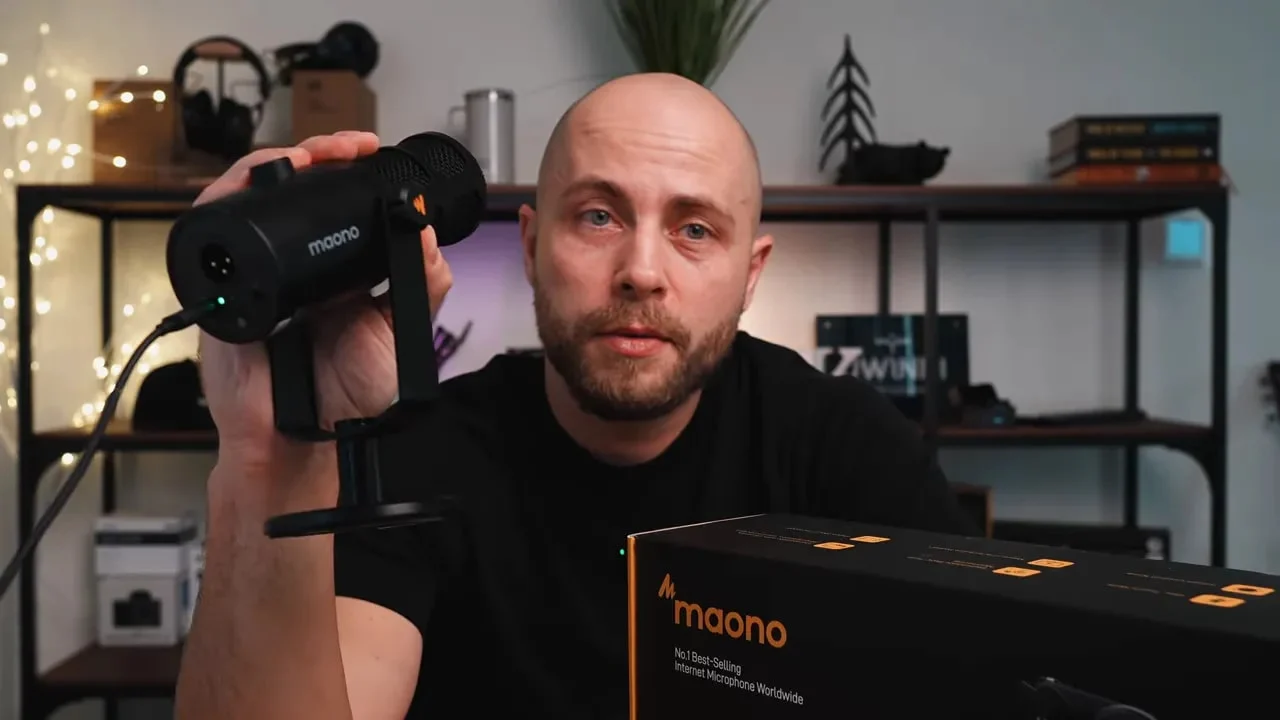
On top of the connectivity options, it includes a three-stage noise cancellation feature designed to tame typical home and office ambient sounds. There is 60 hours of battery life claimed, an LED ring around the capsule for visual flair, and the option to pair multiple units for multi-person recordings. In practice, the 2.4GHz wireless works well when you maintain clear sight between the unit and wireless receiver, and the system is deliberately tuned for two-voice podcast setups so you can capture separate left and right tracks for easier editing.
Unboxing and First Impressions
The unit I tested came with a BA37 boom arm package. Packaging is straightforward and the device itself looks clean and modern. The LED ring is an attention-grabber if you like a bit of color on your desk. You can change colors through the Maono Link control software and set different profiles to match scenes or moods.
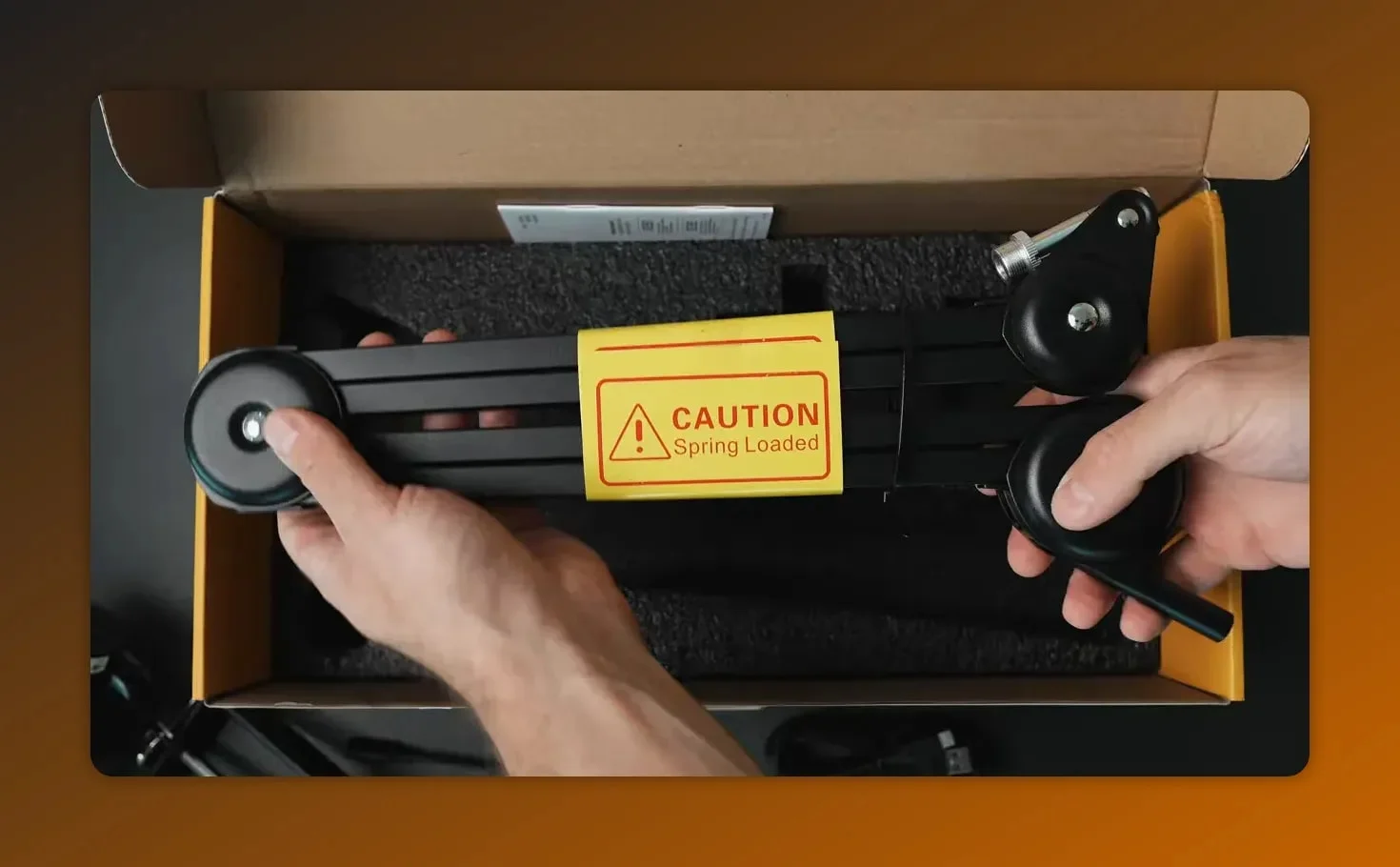
My immediate nitpick was the included BA37 boom arm clamp. It uses a metal plate that tightens to the table, but the bottom of that plate has no protective padding. Over-tighten it and you risk marking or denting the desk. The clamp felt overbuilt but awkward to adjust, and the arm itself was stiffer than expected. That means it is not as easy to angle or reposition quickly during calls or on-camera takes.
Wireless Testing: Freedom from Cables
Switching to the 2.4GHz mode is liberating. I walked around the room while recording and kept a consistent level, as long as I stayed within clear view of the wireless receiver. Performance is solid within that limitation. If your setup involves moving between rooms, large stages, or hiding the dongle behind obstacles, expect degraded range or dropouts. For most podcasting, testimonial, and Zoom workflows this is perfectly acceptable.
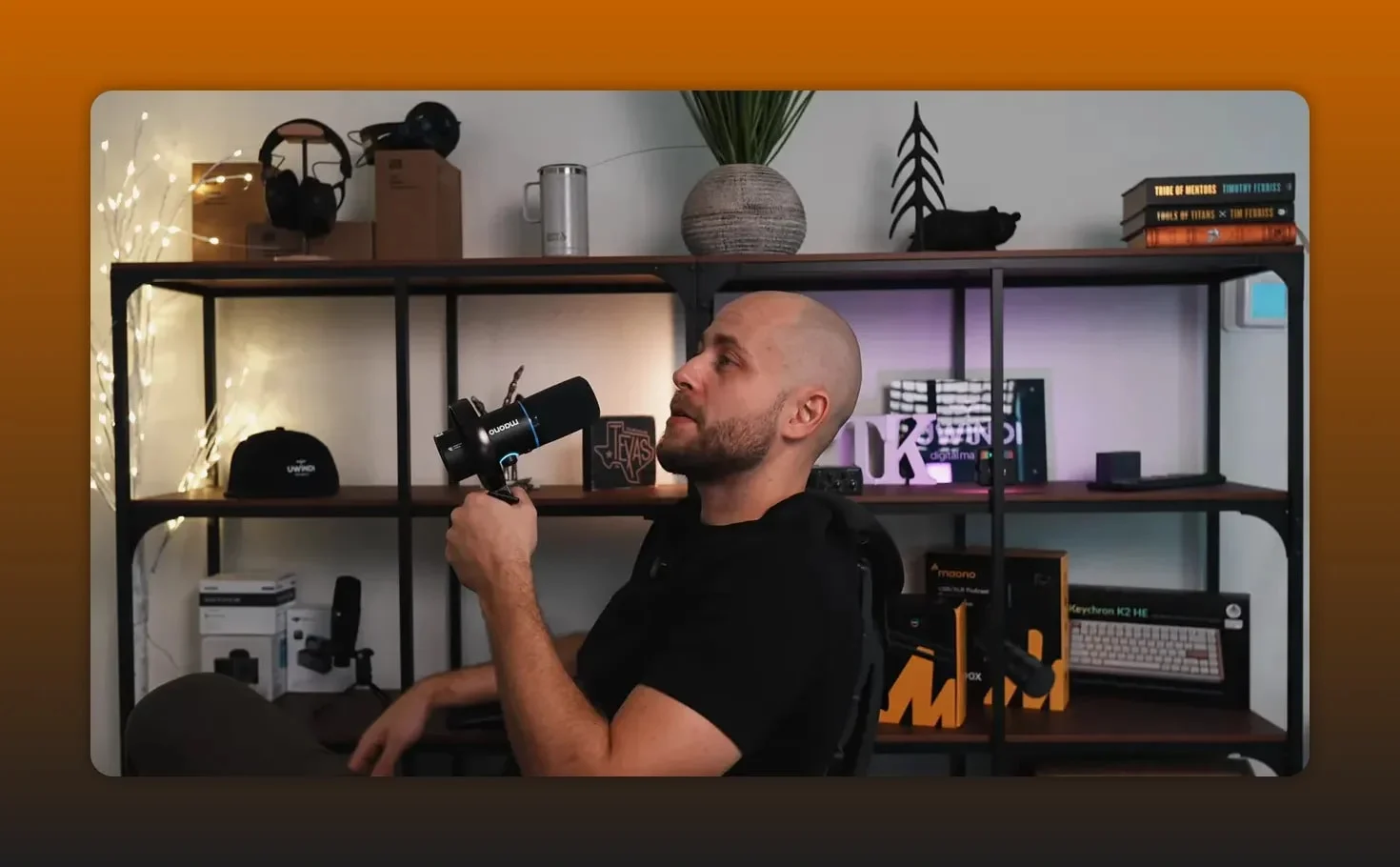
One of the most useful features for my work in digital marketing and for creators is the ability to pair multiple PD200W units for dual interviews and podcasts. Each unit can occupy a channel so when you import audio into an editor you get two discrete tracks—one left, one right—making mixing and fixing mistakes far simpler than single-track recordings.
Sound Quality Comparison: PD200W vs PD400X
I compared the PD200W against my PD400X in three scenarios: fully wireless setup, wired via USB-C port, and my PD400X. All three sounded close, but there were differences. The PD400X has a slightly fuller top end and a touch more presence on my voice. The PD200W is very competitive considering its hybrid features. For the typical content creator who values convenience and flexibility, the sound profile delivered more than adequate great audio quality.
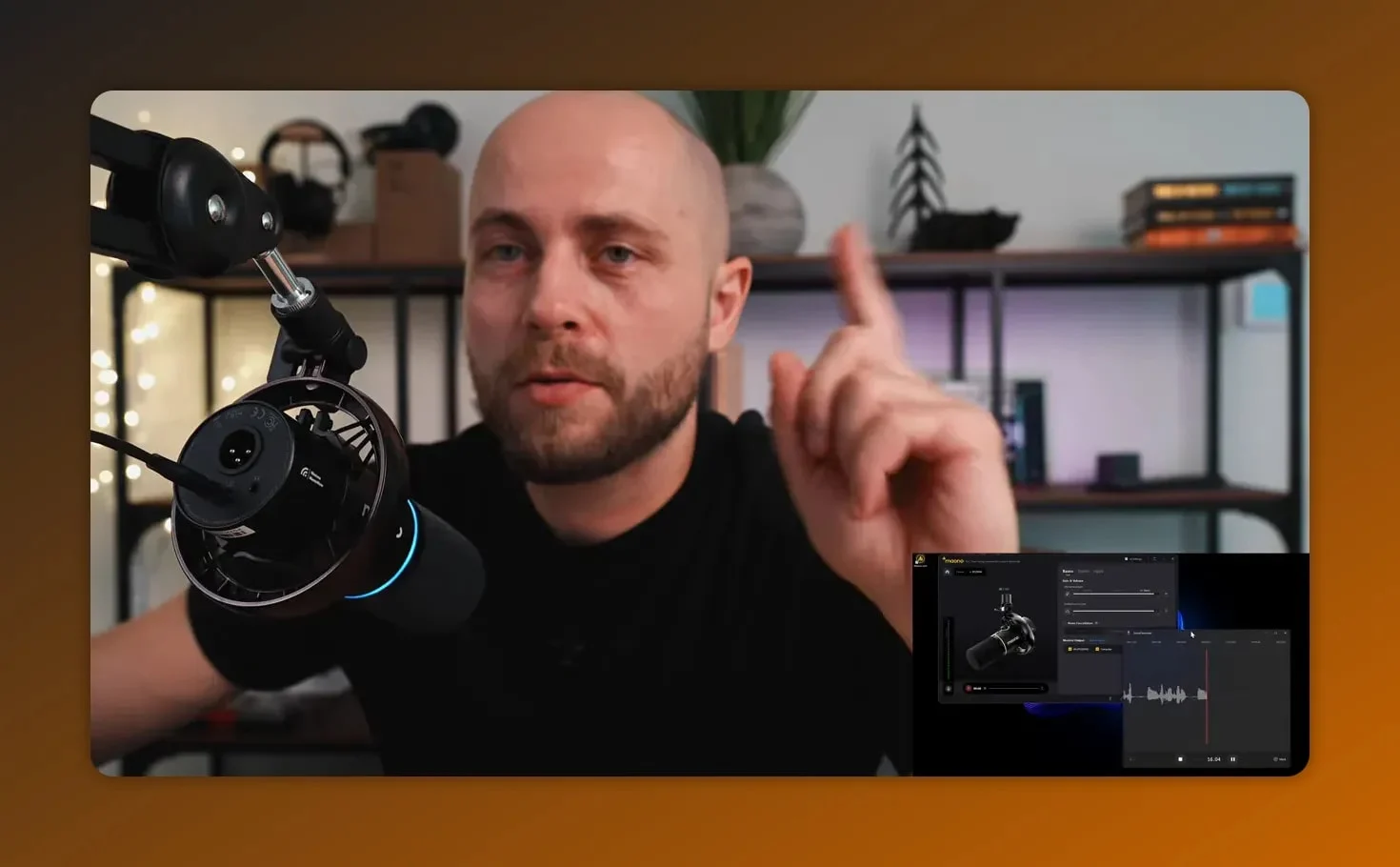
Important details from my listening notes:
- Clarity: Both delivered clear vocal reproduction. The PD400X has a marginally crisper high frequency response.
- Body: PD400X gives a bit more warmth; the PD200W is slightly leaner but still natural.
- Noise handling: The three-stage noise cancellation feature reduced room hiss and computer fan ambient noise noticeably when engaged.
- Consistency: The 2.4GHz wireless kept a stable level while moving, with the visibility caveat.
Bottom line: the difference in raw audio quality is present but small. The decision becomes about workflow. If you need a stationary desk setup and prefer the absolute best tone, an XLR and USB-C model like the PD400X or other dedicated studio models is a safe choice. If you want one tool to serve multiple roles across devices, the PD200W gives you that without a huge sacrifice in sound.
Maono Link Software and Presets
The Maono Link control software is straightforward. After installing it and selecting the PD200W, you get access to basic microphone gain, scenes, and profiles. Scenes let you create presets for podcasting, streaming, gaming, or singing. There are also reverb options and a game preset for fast switching. I kept the device in the original profile for most testing since it felt the most natural.ast switching. I kept the mic in the original profile for most testing since it felt the most natural.
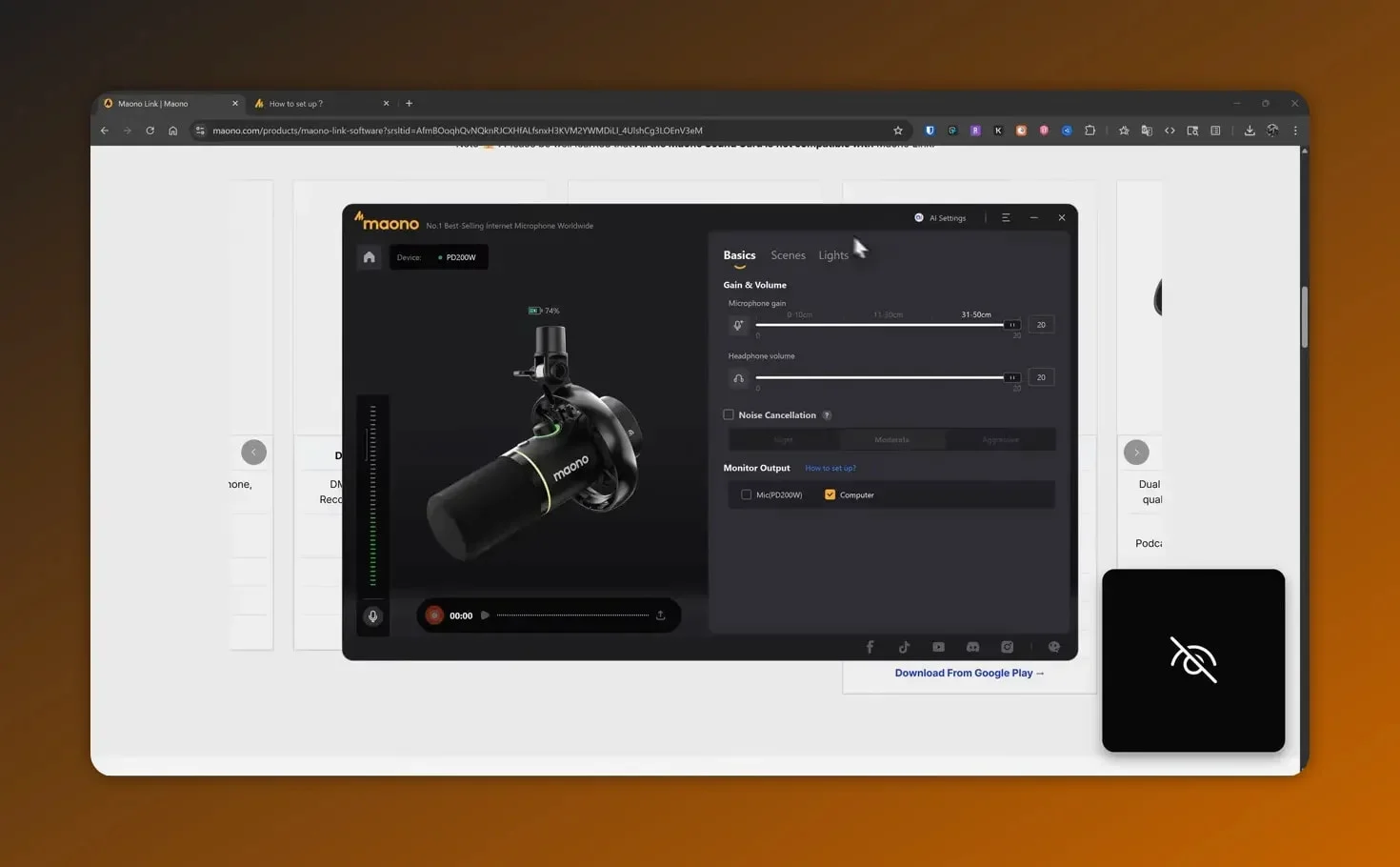
The software also controls LED ring color choices. That's cosmetic, but it does make the desk setup look polished. The application supports multiple Maono devices, so if you have a few units from the brand you can manage them from one place. The software includes a headphone jack (3.5mm) for monitor the audio in real time, which is essential for podcasting work.
Mounting, BA37 Boom Arm, and Practical Setup Tips
The included BA37 boom arm will work if you want a single package, but I recommend buying a separate adjustable mic stand if you plan to change angles frequently or mount the unit on different desks. The arm that ships with the PD200W is very tight and requires significant force to reposition. The clamp's lack of bottom protection is an oversight you can easily fix with a thin rubber pad or felt strip.
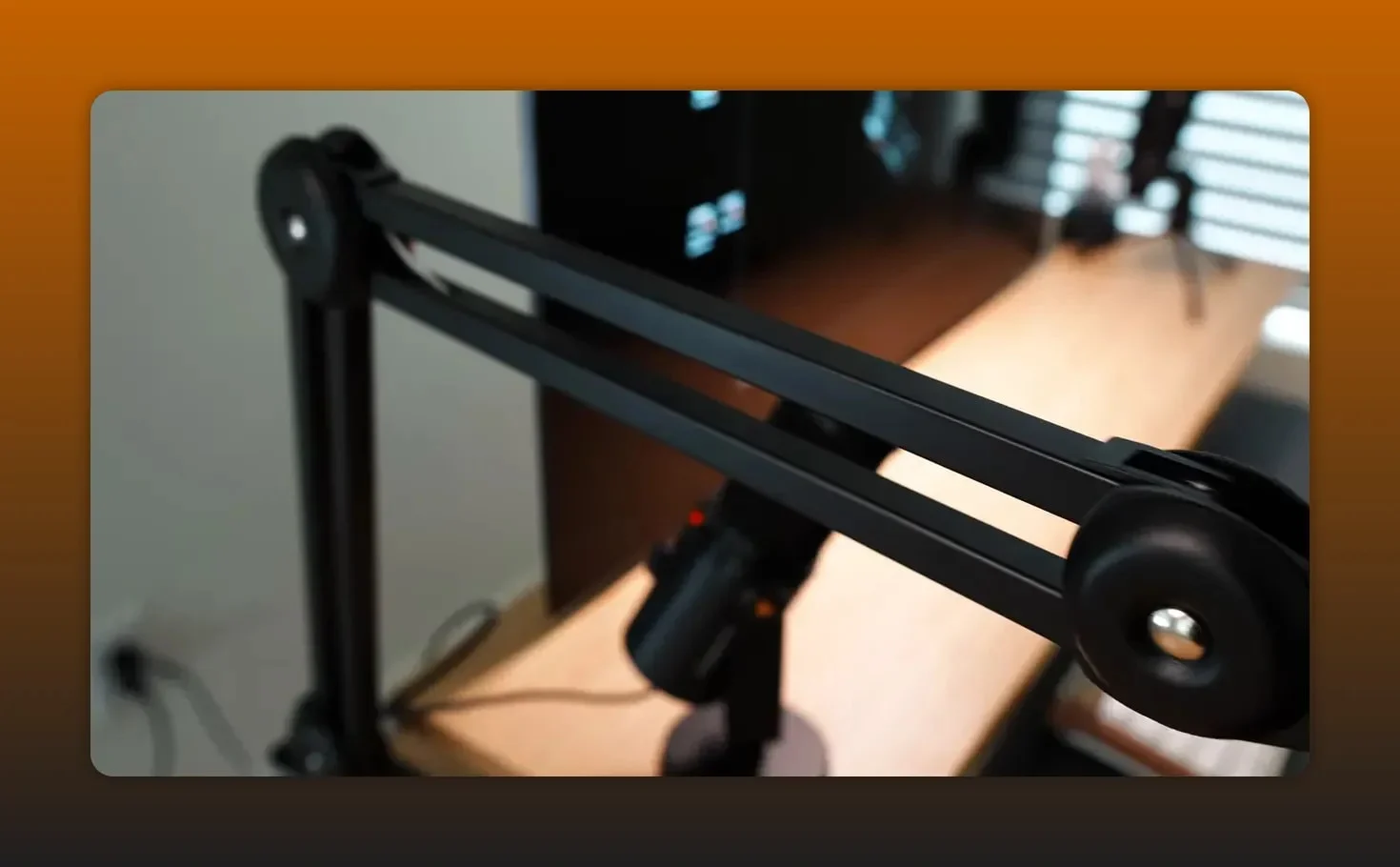
Practical setup tips I used while testing:
- Put a small protective pad between the clamp and the desk to prevent damage.
- If you want smoother movement, consider a third-party scissor arm with a gas spring mechanism.
- When using the 2.4GHz wireless connectivity, place the dongle on your desk in an accessible spot.
- Use Maono Link to save a podcast profile with light noise reduction and a small high-frequency boost.
- The shock mount ring helps reduce handling noise and vibration from the desk.
- A pop filter isn't essential with this dynamic cardioid pattern, but it helps with plosive sounds.
Who the Maono PD200W Hybrid Is For
If your life looks like the following, this hybrid device is aimed at you:
- You jump between Zoom calls, in-person interviews, phone recordings, and laptop streams.
- You want one tool that works with phones, computers, and XLR mixers without buying separate units.
- You run interviews or podcasts with two people and want discrete left and right tracks for easier editing.
- You value a tidy desk and want fewer cables while keeping decent audio quality.
- You don't want to deal with devices that require phantom power.
If you are a studio purist who leaves a single XLR setup mounted on a shock mount and never moves it, a dedicated XLR model like my PD400X or another classic studio option may still be the right pick. For everything else—mobile testimonials, client interviews, streamers who move on camera—the PD200W hits a sweet spot.
Pros and Cons at a Glance
- Pros: Hybrid XLR and USB-C connectivity, good 2.4GHz wireless range, multi-device pairing, separate channel recording for podcasts, intuitive Maono Link software, three-stage noise cancellation, attractive LED ring accent, 60 hours of battery life, 3.5 mm jack for monitoring.
- Cons: BA37 boom arm clamp lacks desk protection and is stiff, wireless needs clear visibility for best reliability, slightly less tonal richness than some dedicated XLR models, no Bluetooth option.
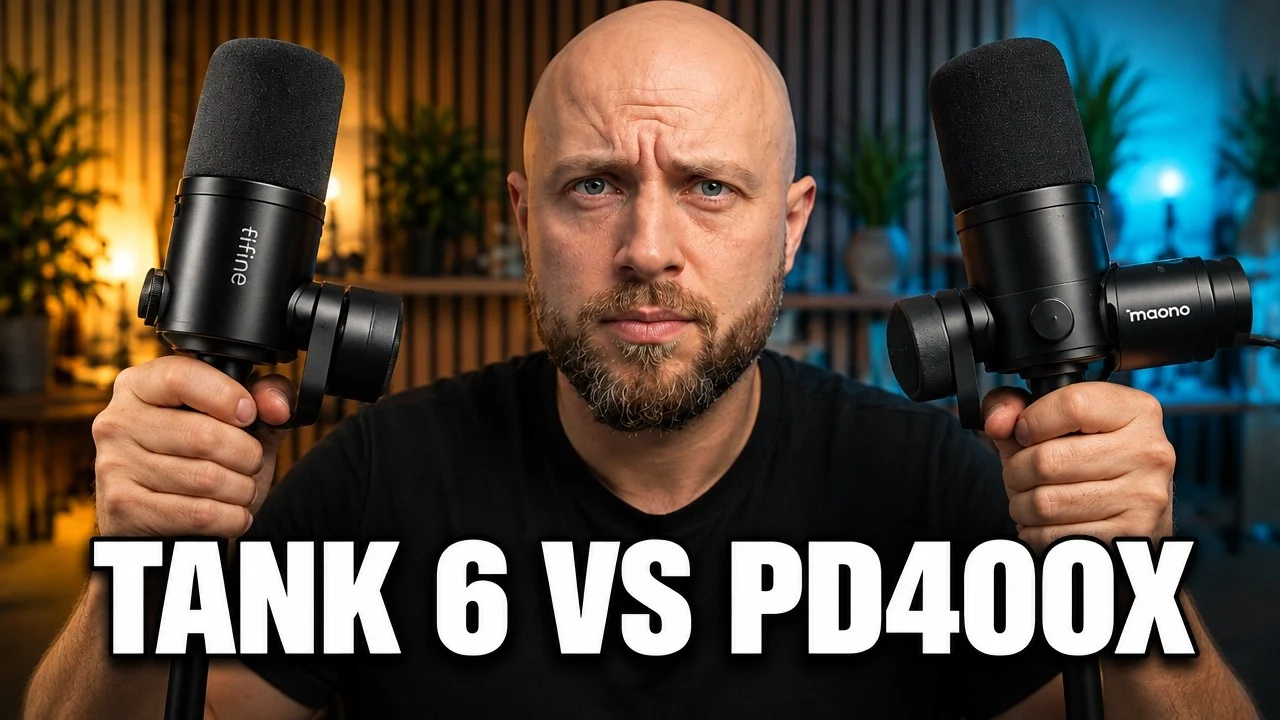
Maono PD200W vs Fifine Tank 6: I also reviewed the Fifine Tank 6, a wired USB/XLR microphone with a heavy metal body. The PD200W adds 2.4 GHz wireless, multi-device pairing and a battery. Read the Fifine Tank 6 review.
Final Verdict
This walkthrough lands on a practical recommendation: for creators who need flexibility, portable setups, and multi-device compatibility, the PD200W is an excellent value at 129.99 (often available at 99.99 during sales). It is not an all-out studio tool that replaces high-end XLR condensers for studio-only recording, but it is a highly capable hybrid dynamic microphone that simplifies workflows and keeps audio quality high enough for podcasting, YouTube, and client testimonials.
If you value convenience and the ability to switch between phone, laptop, and mixer quickly using either XLR cable, USB-C port, or the wireless receiver, the PD200W earns a solid recommendation. It solves the cable problem and gives you usable, clean voice sound across formats.
FAQ
Is the Maono PD200W worth buying for podcasters?
Yes. I found it particularly useful for podcasters who record interviews and need discrete channels for each speaker. The ability to pair two units and capture left and right tracks makes editing and mixing easier. The 3.5 mm jack lets you monitor the audio during recording, which is critical for catching issues early.
Can the PD200W replace an XLR studio setup?
It can replace an XLR setup for many creators, but not every situation. The PD200W offers hybrid convenience with XLR and USB-C options, but dedicated studio XLR models may still give slightly better tonality and warmth. If mobility and multi-device use are priorities, this hybrid dynamic microphone is a better fit.
How reliable is the wireless connection?
The 2.4 GHz wireless mode is reliable when you maintain visibility with the dongle. Walls, furniture, and large obstacles reduce range and may cause dropouts. For desk-based work and short-range movement, it performs well. The wireless receiver is compact and easy to position.
Does the PD200W work with cameras?
Yes. It supports XLR for direct camera or mixer connections. I tested the 2.4GHz and USB modes extensively; to use wireless with a camera you will need the appropriate receiver or a camera setup that accepts the wireless output.
How is battery life in practice?
Battery life extends up to 60 hours depending on usage mode and LED settings. Exact runtime depends on whether you're using the noise cancellation feature and how bright you set the LED ring. Turning off unnecessary visuals and using USB when convenient will extend operating time. The tactile power button makes it easy to check status.
Is the LED ring just a gimmick?
The LED ring around the capsule is cosmetic but useful for streamers who like a cohesive desk aesthetic. It is adjustable through Maono Link and can be used as a visual indicator for live status or to match a color scheme. Some creators appreciate the professional look it adds.
Any setup recommendations?
Use a third-party stand or add a protection pad to the BA37 clamp to protect desks. Save a podcast profile in Maono Link with mild noise cancellation and a small high-frequency boost for clearer speech. If you're using the USB-C port, make sure you have a quality USB-A adapter if your device only has USB-A ports. Consider a pop filter to handle plosives if you record very close to the capsule.
Where does pricing land?
The PD200W sits at 129.99 but often sells for 99.99, putting it in a mid-range price bracket when compared to single-mode studio options. Its hybrid capabilities with XLR and USB-C, included BA37 boom arm, and accessories often make it a better value for creators who would otherwise need multiple devices. Unlike some condensers, it doesn't require phantom power, which saves additional equipment costs.
What about using it as a USB mic?
The USB-C port works seamlessly for plug-and-play recording. You can connect it directly to laptops, tablets, or phones with USB-C. The sound profile in USB mode is nearly identical to the wireless mode, giving you flexibility without quality loss. This makes it a strong competitor to dedicated USB mics in the same price range.
Closing Thoughts
I like tools that remove friction. The Maono PD200W does that by packing 2.4GHz wireless connectivity, USB-C port, and XLR into one dynamic microphone with useful Maono Link software and multi-device capability. The included BA37 boom arm needs attention, and if you are extremely picky about tonal character you might prefer a higher-end XLR setup.s attention, and if you are extremely picky about tonal character you might prefer a higher-end XLR mic.
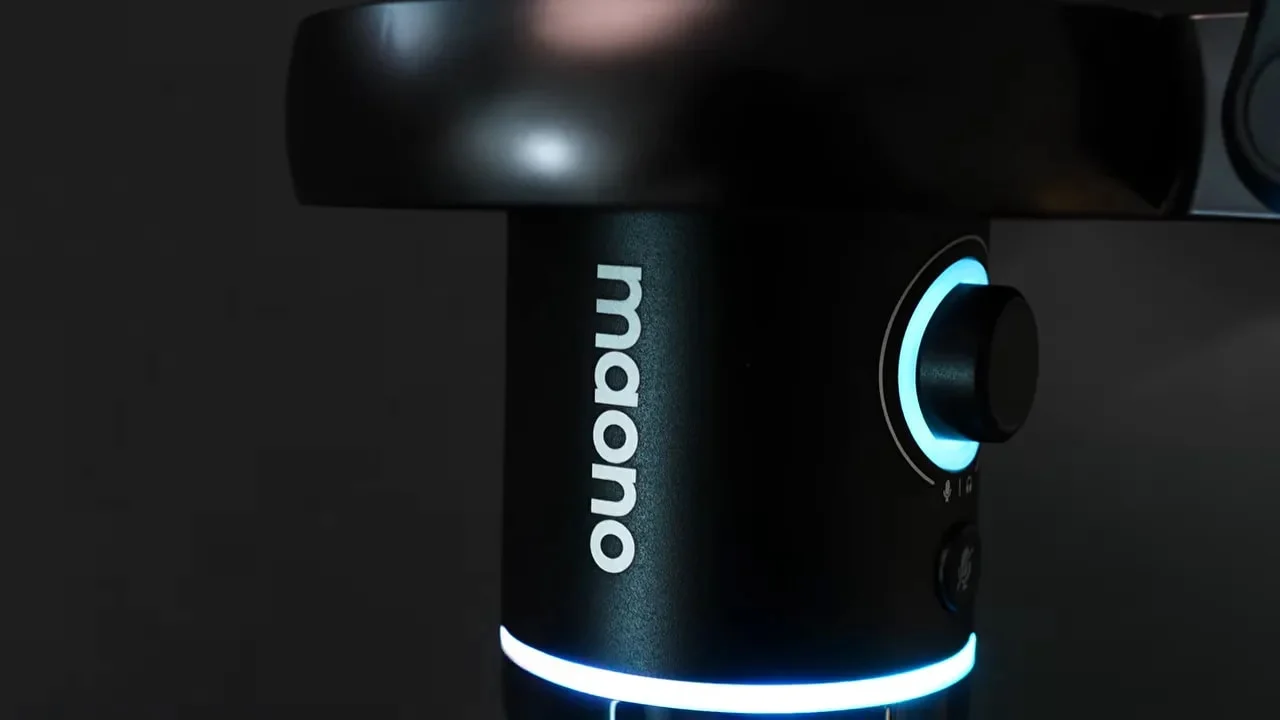
For anyone who needs a single hybrid dynamic microphone that adapts to different devices and recording situations with great audio quality, 60 hours of battery life, and tactile controls, the PD200W is a practical, flexible choice. The 3.5mm headphone output, noise cancellation feature, and ability to monitor the audio in real time make it particularly valuable for podcasting microphone work where quality control matters.
Related reviews: Fifine Tank 6 review and Elgato Prompter review.
Maono PD200W