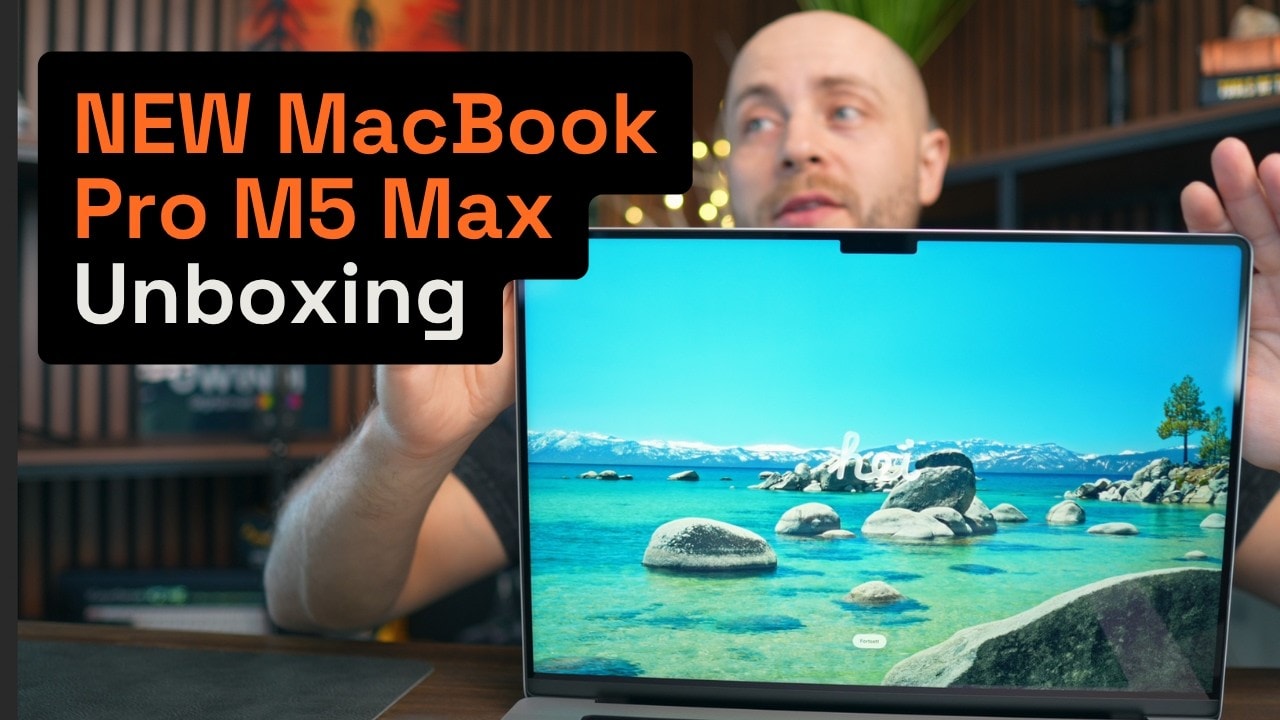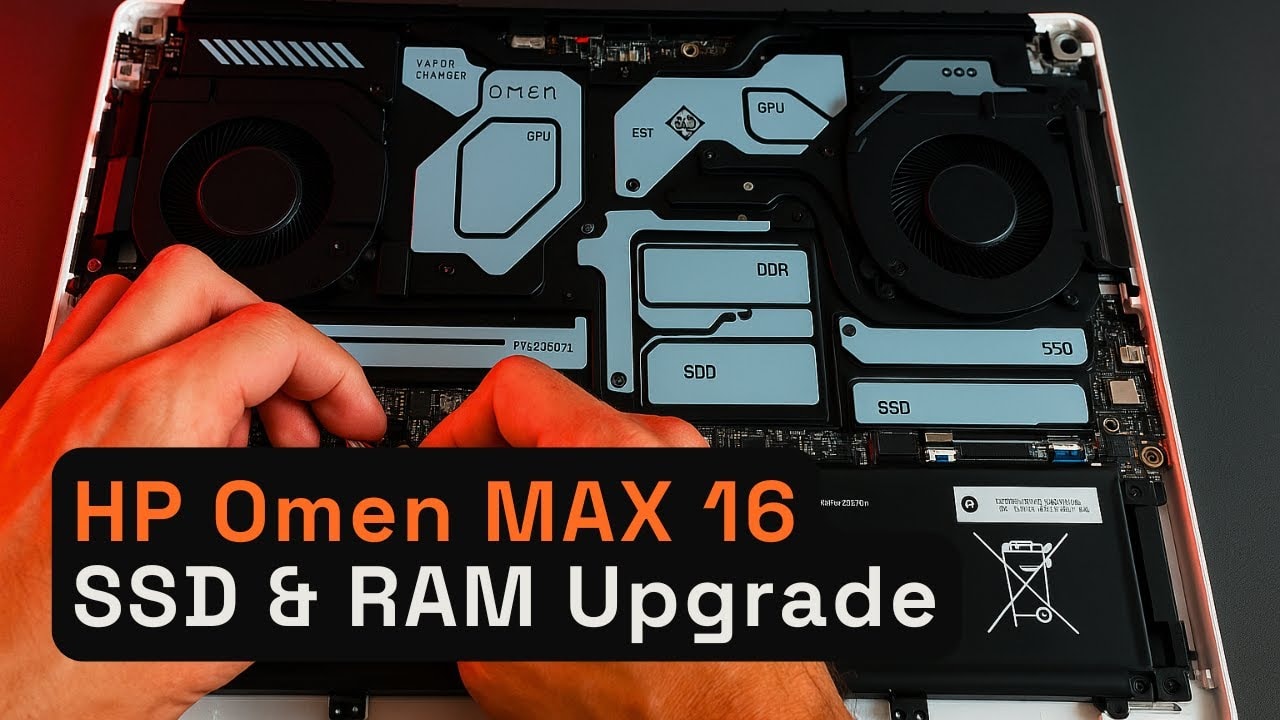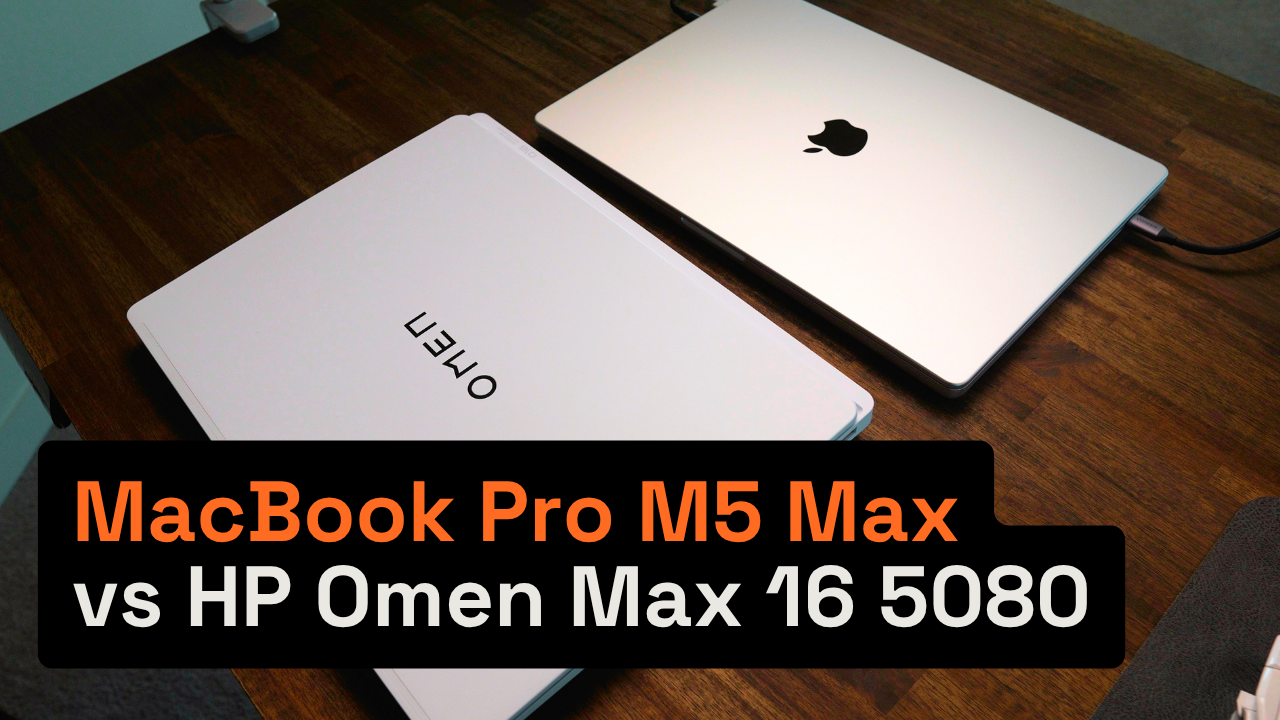
After six months with both, I sold the Omen: a gaming laptop is a compromise you feel every day. Pair a MacBook for work with a desktop or a console for games.
If you’ve ever looked at a spec sheet and thought, “Okay… this gaming laptop should finally fix my life,” this review is for you.
Because I did exactly that. I bought two very different 16-inch powerhouses and lived with both long enough to stop guessing and start comparing: the HP Omen Max 16 with an RTX 5080, and the MacBook Pro 16 with an M5 Max.
I’ll keep it straight from the beginning: I bought the Omen because I wanted to be a “real” PC gamer. I launched games maybe twice. Meanwhile, the MacBook Pro didn’t just feel fast—it felt like work actually got easier. And after six months, I ended up selling the Omen.

M5 Max vs RTX 5080 at a glance
MacBook Pro 16 (M5 Max) | HP Omen Max 16 (RTX 5080) | |
|---|---|---|
Configuration tested | M5 Max, 32GB RAM | Core Ultra 9 275HX, RTX 5080, 64GB RAM |
Creative work | Keeps up with or beats the Omen, at roughly three times less power | Fast, but needs about three times more power for comparable work |
Boot speed | About twice as fast | About half the speed of the Mac |
Battery | Around 22 hours under light load | Around 4 hours at most, with a performance drop on battery |
Gaming | Civilization 7 and Dota 2 in 4K at maximum settings, 100+ FPS | Cyberpunk and other top titles with ease; the better pick for gaming first |
Who this comparison is for
This isn’t a review for someone who only cares about raw benchmark numbers. It’s for you if you’re trying to figure out the real-world question:
- Do you actually need a gaming laptop for productivity?
- Can a high-end GPU laptop replace a Mac for creative work?
- What’s the “daily life” difference—noise, battery, weight, and usability—between Windows and macOS at the top end?
The systems: flagship configs (the starting line)
Let’s get the “apples-to-apples” portion out of the way. Both are the flagship-style configurations discussed in my experience:
- HP Omen Max 16: Core Ultra 9 275HX CPU, RTX 5080 GPU, 64GB RAM
- MacBook Pro 16: M5 Max, 32GB RAM
Note: GPU comparisons can be misleading when you ignore the full system (CPU + GPU + power limits + thermals). That matters more than people expect.
First impression: what they feel like day-to-day
Before performance charts, I want to talk about how these laptops behave in your hands and in your routines, because that’s what ends up deciding which one you keep.
Design and screen: the Omen surprised me
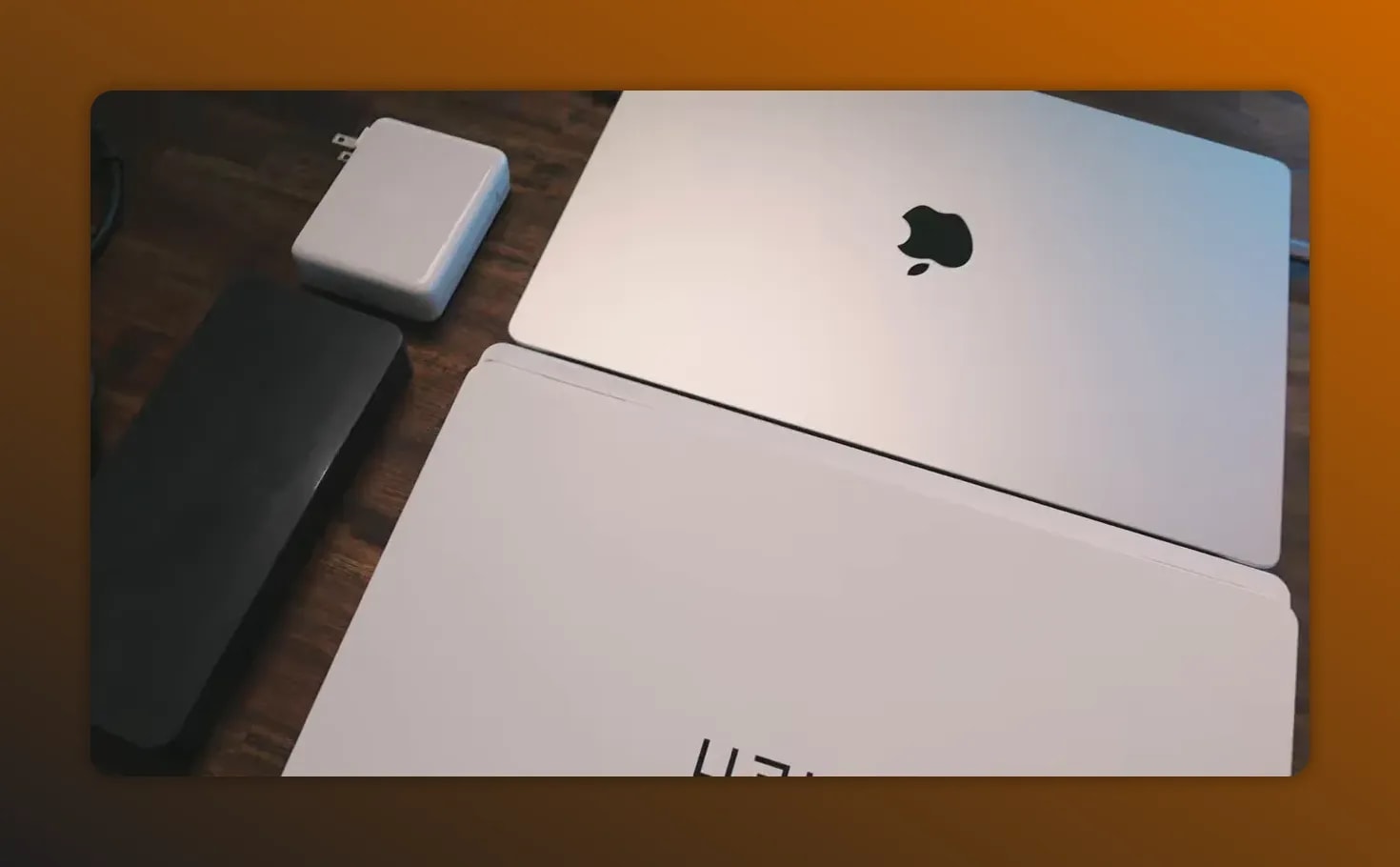
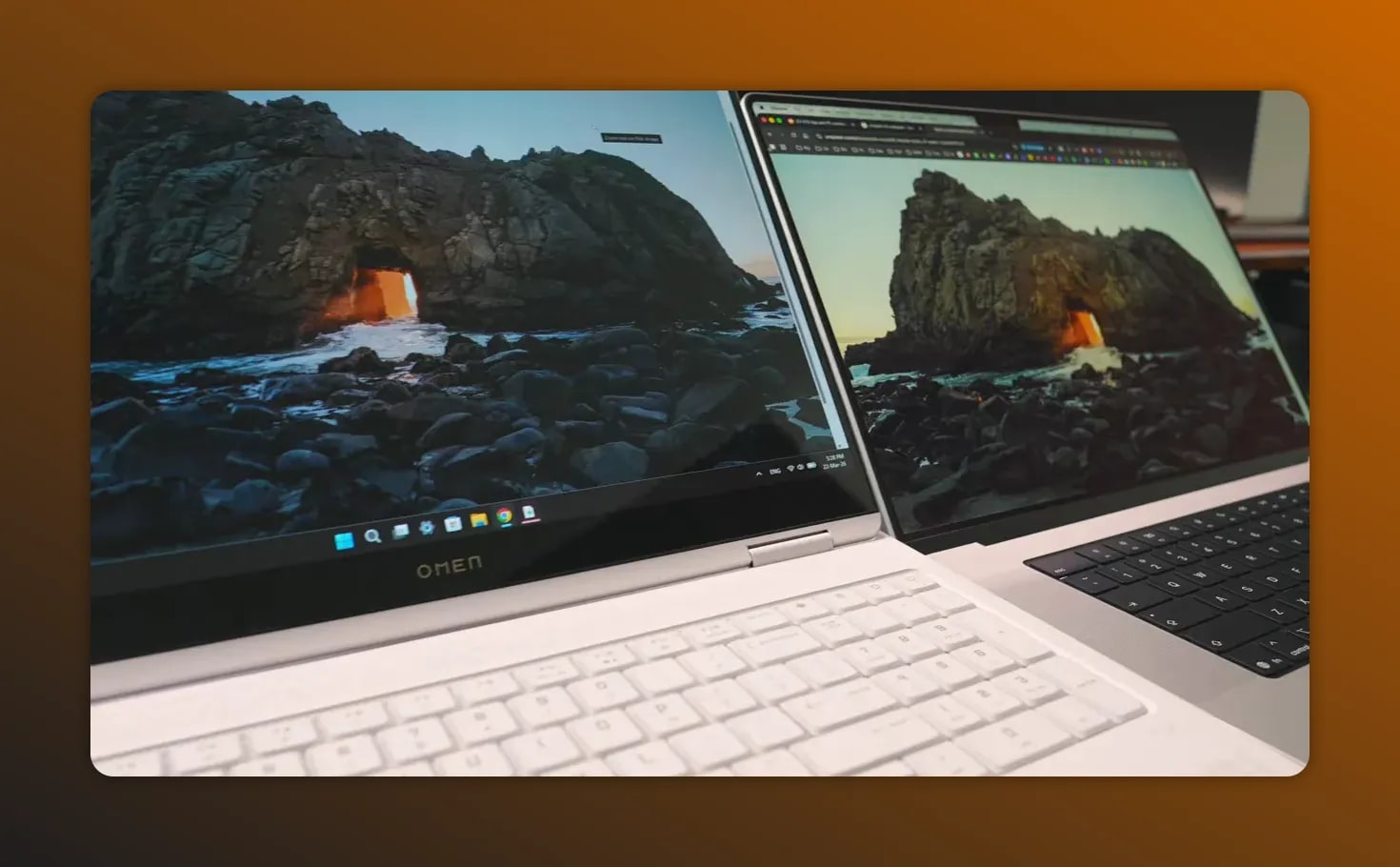
The HP Omen’s white version looks clean, premium, and minimal. The OLED screen is genuinely stunning.
And honestly, I wish Apple would do the same for MacBook screens on my end—at least to match what the Omen already nails. The MacBook design, by contrast, hasn’t really changed since the M1 era, and in a way, it doesn’t need to. It’s proven, reliable, and feels premium.
Keyboards: neither one impressed me (but one has flex)
Here’s the honest bit: neither laptop keyboard really did it for me.
My take is pretty simple:
- If you’re a keyboard person, plan on using an external keyboard.
- Even if you don’t, don’t expect perfection.
One thing that did stand out on the Omen: there’s flex in the top lid. You don’t have to be rough to feel it—press lightly and you can tell the panel gives.
On a laptop that costs over $2,500, that’s disappointing.
Noise: MacBook wins instantly
I tested real everyday behavior: opening tabs and multitasking.
On the Omen, even after around 10 browser tabs (it was basically “normal life multitasking”), the fans spun up quickly—like it was trying to work harder than it needed to.
On the MacBook, I generally forgot it even had fans. When I played a few games, the sound was described as more of a whisper compared to the Omen and Macs that actually get loud.
This is the moment in my “noise test” where I’m directly comparing what I hear during everyday multitasking—MacBook stays quieter than the Omen.
Performance in real creative work: the Mac holds up (and then some)
Benchmarks were mentioned, but the core point wasn’t just “who has the fastest GPU.” It was what happens in creative workflows like video editing, design, and exports.
In those types of tasks, the MacBook Pro was keeping up or beating the RTX 5080 machine in my experience.
And the reason matters:
- It’s not pure GPU power.
- It’s the system together (CPU + GPU + power profile).
- The Mac uses roughly three times less power for comparable creative workloads.
That power efficiency isn’t a “nice-to-have.” It changes everything: heat, fan behavior, and sustained performance.
Boot speed: the Mac is noticeably faster
Boot speed isn’t glamorous, but it’s real friction.
In my experience, the MacBook was about twice as fast every single time—feeling close to instant compared to the Omen.

Battery life: this is where the comparison becomes brutal
If you travel with your laptop, battery is the feature you notice first.
MacBook Pro battery: “shockingly good”
The MacBook Pro handled around 22 hours under light load. I was genuinely shocked by how long it lasted.
This changes how you work. You’re not thinking about whether you’ll get a charge later—you just keep using it.
Omen battery: maximum about 4 hours
The Omen, on the other hand, handled around 4 hours of work at most.
And it wasn’t just “dies sooner.” There was a performance drop the moment it left the outlet. Unplug it, and the system immediately becomes less capable than you expected while plugged in.
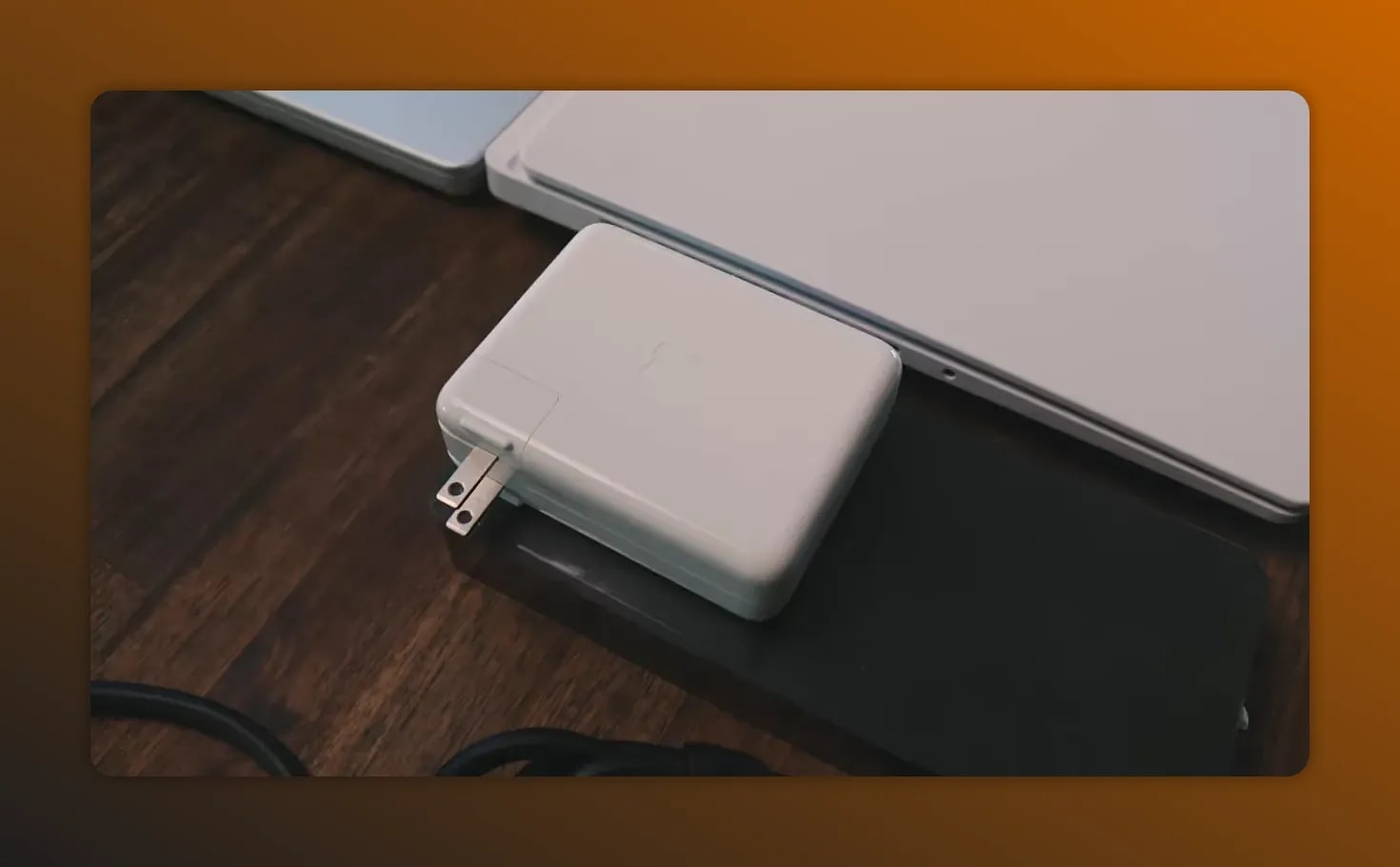
Weight and chargers: carrying becomes the real cost
The numbers matter here because they affect your lifestyle:
- Omen weight: about 2.8 kg
- Charger adds another ~900 grams
- Total to leave the house: about 3.7 kg
That’s not a “gaming laptop problem.” It’s a daily-life problem.
With the MacBook, you grab it, put it in the bag, and you can work all day at a cafe, then come home with battery left. The flexibility is the point—and the fact you can even forget your charging brick at home is the kind of thing that makes you stop second-guessing your setup.
Gaming: the RTX 5080 is a monster… but it doesn’t change the bigger philosophy
Let’s be fair. The HP Omen absolutely has the gaming hardware to back up the hype.
I played:
- On the MacBook Pro: Civilization 7 and Dota 2 in 4K at maximum settings—both hit 100+ FPS.
- On the Omen: Cyberpunk and other top titles, and the RTX 5080 handles gaming easily.
So yes, if you’re purely trying to game, the Omen wins—especially for “gaming-first” goals.

The honest take: you shouldn’t buy a gaming laptop if you care about productivity
This is the conclusion that kept coming back while living with both systems.
If you want to game, don’t buy a gaming laptop. That sounds contradictory, so let me explain what I mean by “don’t.”
A gaming laptop tries to solve multiple problems with one device. But the compromise tends to hit you in the places you feel constantly: travel, noise, power draw, and unplugged performance.
So you end up with a machine that can be amazing under certain conditions, but still feels like a compromise the rest of the time.
Two better strategies (and why they work)
Instead of one “jack of all trades” laptop, there are two approaches that make more sense—depending on how you work and play.
Option 1: Gaming desktop + MacBook Air (power + portability)
- More power where you want it (desktop)
- Upgradable over time (desktop)
- A lighter everyday machine for everything else
This option keeps your travel and work experience clean while still letting you enjoy serious gaming when you’re home.
Option 2: MacBook Pro + console (one environment for work, one for play)
If you don’t want to build a desktop setup, the idea is similar—separate productivity from gaming horsepower.
But here’s the key: the “one laptop for everything” approach ends up being the worst of both worlds.
- Too heavy to travel with comfortably
- Too loud to work quietly
- Too power-hungry to be enjoyable unplugged
- Not as good at gaming as a proper desktop anyway
What broke the deal for me: software friction on Windows
Hardware comparisons are one side of the story.
The other side is daily software friction—and for me, that was decisive.
After selling the Omen, the “small thing” that broke my patience was something I didn’t realize I depended on until it was gone: AirPods integration and behavior on Windows.
On Windows, there’s a function called “blink” (as described) meant to do something similar, but it was slow, unstable, and halting—and simply didn’t work the way I expected.
The moment you notice yourself hesitating to start working on a laptop because a tool doesn’t cooperate? That’s when it’s over.
Why I stuck with the M5 Max (and why I’m not upgrading every cycle)
So why buy the M5 Max at all, if new versions are always coming?
The answer was blunt and personal:
- I’m the most important person for myself.
- I keep my “Max” for years.
- I don’t upgrade every cycle.
- I have zero regrets.
There’s also “headroom,” meaning the machine will keep up for a long time—so you’re not constantly chasing the next spec bump.
They even referenced still having an old M1 Max MacBook, which supports the real-world claim: these machines last.
Should you wait for the next MacBook? Here’s the practical rule
There are rumors of OLED MacBook Pro models based on M6 configurations coming. The speculation included:
- Pro and Max configs likely in early next year
- OLED screen upgrade potentially arriving soon
But the recommendation was clear:
- If you need a laptop now, buy now.
- Don’t wait nearly a year for a screen upgrade and incremental performance gains.
- If you can hold out, the OLED could be worth it.
- If you’re currently on a Windows laptop, you already know what to do (in other words: think about whether switching will improve your workflow and how much it could be worth to you).
Pricing and value: the “money you can earn” framing
A smart way to decide on laptops isn’t just “is it expensive?” It’s:
How much can this improve your workflow?
If it helps you get more done and earn more money—or reduces time wasted and frustration—then buying sooner can pay for itself.
Pros, cons, and who should buy what
MacBook Pro M5 Max: best for
- Productivity and creative workflows (video, design, exports)
- Quiet work (fans that are easy to forget)
- Travel and unplugged use (long battery life)
- People who want fewer daily frictions from their ecosystem
- Anyone who keeps machines for years
MacBook Pro M5 Max: potential downsides (based on this experience)
- Keyboard preference may not be a perfect match (external keyboard recommended)
- If your primary goal is maximum gaming performance at home, it may not be the “only” machine you want
HP Omen Max 16 (RTX 5080): best for
- Gaming-first situations where you’re plugged in and staying at home
- People who want the strongest gaming laptop experience
- Users who are okay with fan noise and a heavier, charger-dependent setup
HP Omen Max 16: potential downsides (based on this experience)
- Fan noise can ramp up quickly during normal multitasking
- Battery life is limited (around a few hours) and performance drops unplugged
- Heavy total carry weight because of the charger
- Lid flex felt disappointing on a premium-priced machine
Final verdict: my conclusion after living with both
After six months with both, the conclusion is simple:
I sold the Omen.
Not because it can’t game. It can. The RTX 5080 is “a monster,” and if you’re strictly optimizing for gaming, it makes sense.
But I realized something important: gaming laptops are compromises you feel constantly—noise, unplugged limits, portability pain, and everyday friction. And once productivity becomes smoother (quiet, fast boot, long battery, fewer software annoyances), it’s hard to go back.
So if you want the best of both worlds, don’t try to force one machine to do everything. Build a setup that matches how you actually live:
- Desktop + lightweight portable, or
- MacBook + console
That’s the “real difference” I learned the hard way.
Video
If you have questions about which direction to go—gaming desktop vs. console vs. laptop—drop them and think about your own routine: how often you unplug, how much you travel, and whether your current workflow is actually benefiting from your current machine.
Related reviews: MacBook Pro M5 Max first look and HP Omen Max 16 RAM and SSD upgrade guide.