An easy decision if reliability matters: stable performance, durable hardware and a laptop that just works. If you can wait for the next generation, waiting is reasonable too.
- Solid metal build
- Consistent, predictable Apple ecosystem
- Works well with external monitors
- Anti-reflection display option for uncontrolled lighting
- Bigger display upgrades are expected in the next generations
- Not for workflows tied to Windows-only tools
- The anti-reflection coating is unnecessary in a controlled room
| Chip | M5 Max |
|---|---|
| Memory | 36 GB |
| Storage | 2 TB |
| Anti-reflection display option | +$150 |
| Price paid | About $3,700 |
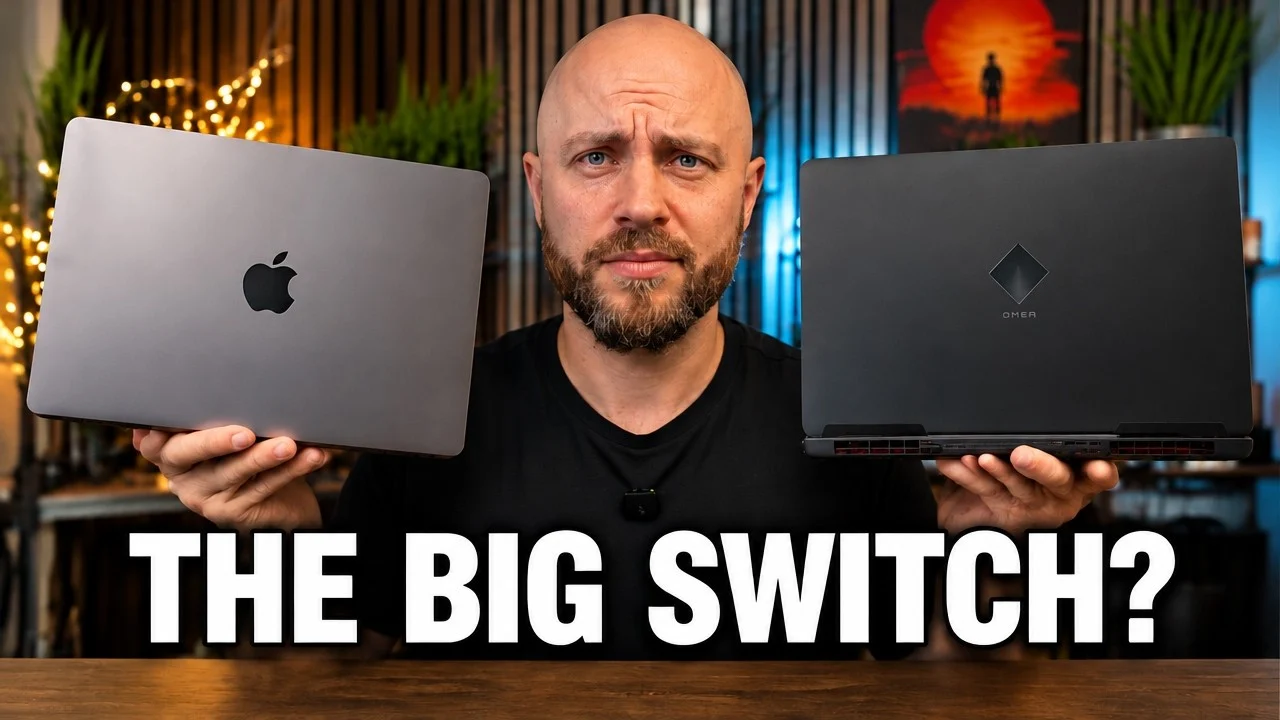
I’ve been using an HP Omen Max with a 5080 graphics card for a last 6 month. It’s a solid machine, no question. But lately, I found myself missing what Apple does really well: consistent hardware, reliable performance, and a laptop experience that just feels finished.
So I pulled the trigger on the new MacBook Pro M5 Max and did the classic “open the box and see what’s inside” moment. This is my honest first look and my personal reasoning for jumping back onto the Apple wagon, even though my current Windows setup is still capable.
MacBook Pro M5 Max at a glance (my configuration):
- Chip: M5 Max
- Memory: 36 GB
- Storage: 2 TB
Unboxing: what’s in the box (and why it matters)
Let’s get this part out of the way. The packaging is pretty standard Apple. Metal chassis, minimal fuss, and the whole setup feels intentional instead of cluttered.
When I opened it up, there wasn’t some huge bundle of accessories. It was the laptop itself, a power cable, and the charging brick. That’s it. No weird surprises.
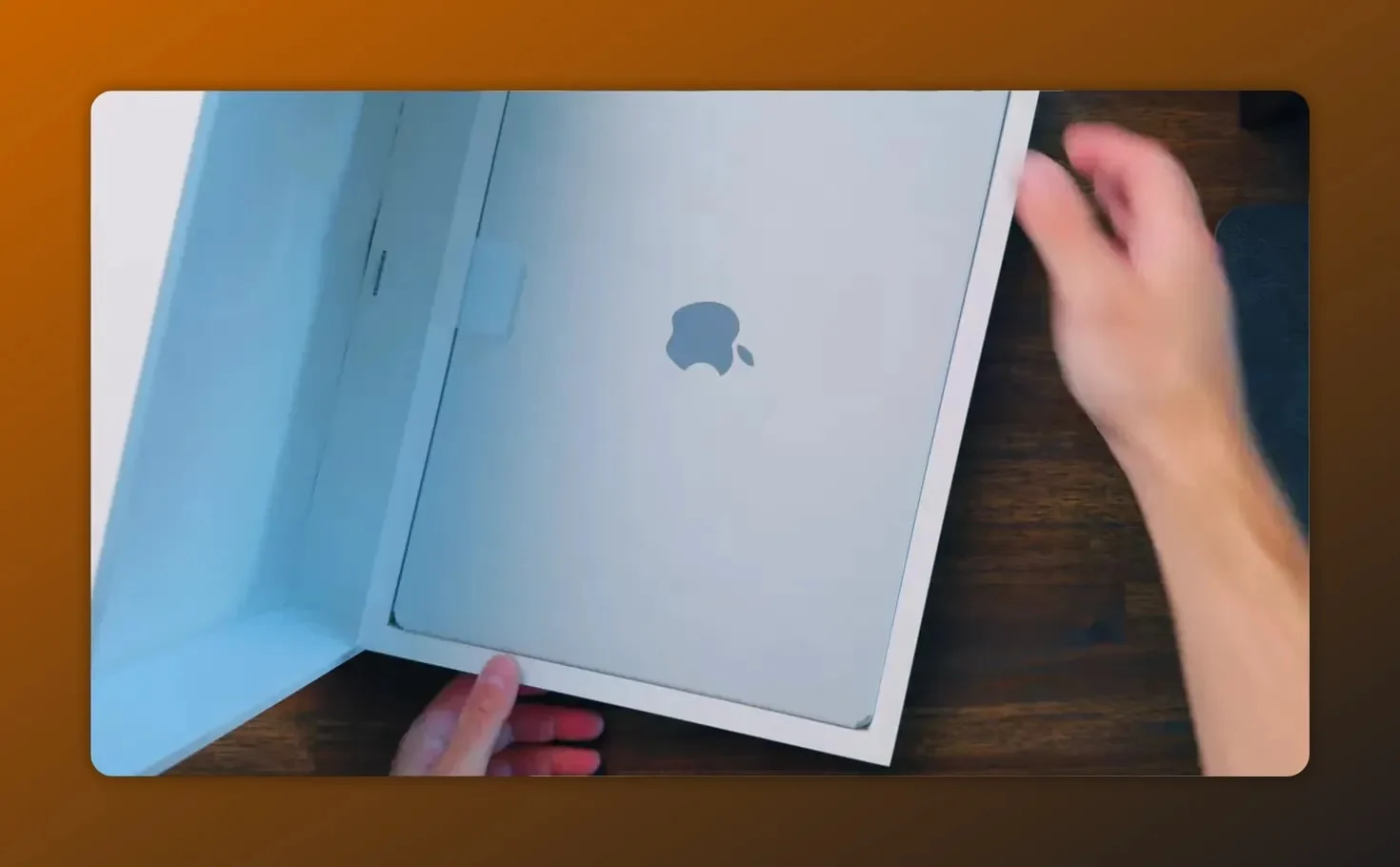
One small thing I actually appreciate: Apple’s approach to packaging cables and accessories in a way that makes it less likely to damage or mess up anything during handling. It sounds minor, but it contributes to that “clean and safe” feeling.
Also, comparing the charging bricks: Apple’s is surprisingly big compared to the one I’m used to with the HP Omen Max. It’s one of those “you don’t realize until you put them side by side” moments.
Price note: I bought mine at a strong deal from Walmart, and using my credit card rewards gave me about 5% back. My total came out to roughly $3,700. For what I’m getting, that made the decision easier.
Hardware feel: the same chassis philosophy
Physically, the MacBook Pro M5 Max keeps Apple’s consistent laptop design language. The chassis feels solid, and I’m honestly not expecting a dramatic physical redesign year to year.
In my mind, Apple’s strategy is pretty clear: keep the chassis consistent, keep the platform stable, and then refine what’s inside. That’s part of why this feels like a “safe” upgrade path, especially if you already like the form factor.

The real question: should you upgrade from an older Mac?
I already have an M1 Max, and it’s still doing great. Because of that, I’m not claiming this is a necessary upgrade for everyone. It’s more about choosing the right tool for the work I do now.
I expected Apple to upgrade the next generation with an OLED display and some internal changes. But honestly, I don’t care that much about those future improvements because I’m still very happy with the general MacBook experience and the way I work day to day.
My setup comparison: MacBook vs HP Omen Max (Windows reality check)
I’m not here to trash Windows. My HP Omen Max has been capable, and a machine with a high-end GPU can do impressive things.
But I’ve learned something after living with Windows laptops: they can be more complicated to manage. Drivers, tuning, updates, power behavior, and different background processes can turn “everything should work” into “it works, but only if I babysit it.”
With Apple, my experience has been different. Apple products feel more predictable. That reliability is a big deal to me, especially when I’m working and I don’t want surprises.
Display options: the anti-reflection coating (and when it’s worth it)
One of the decisions you’ll face with the MacBook Pro M5 Max is whether to pay extra for the display coating that helps prevent reflections.
In my configuration, I have that option available, and I want to be direct: if you can control your lighting environment, I don’t think it’s worth paying the extra $150.
But if you constantly work in places like:
- airports
- offices with changing overhead light
- any workspace where you cannot adjust glare sources
…then saving yourself from reflection headaches might be worth every dollar.

I also want to mention the notch. It’s still a tradeoff for me. I get why it exists. I just know it’s a stylistic and practical change you either like or you don’t. For me, it’s not a dealbreaker, but it’s not something I’m pretending isn’t weird.
Why I’m sticking with this MacBook generation (for now)
I’ve seen people talk about the next Apple upgrades, and it’s tempting to chase the newest version. But here’s my honest logic:
- I already use external monitors most of the time.
- I have a very good OLED monitor from LG, and I genuinely enjoy it.
- Because my workflow is mostly external display driven, the upgrade value of the next MacBook screen version isn’t as high for me.
So even if there’s an OLED upgrade later, I’m not planning to jump again right away. Maybe in a few generations I’ll rethink it. But my current setup makes the decision pretty straightforward.
Should you buy now or wait? My timeline thoughts
If you need a laptop right now, I would pick it up. If you can wait, waiting is a totally reasonable strategy.
Based on Apple’s usual cadence, I expect:
- M6 to show up around the fall timeframe, possibly first in a MacBook Air lineup
- then later, after Apple updates the broader manufacturing and technical processes
- and then another bigger wave the following year (with OLED mentioned as a future direction)
That doesn’t mean the MacBook Pro M5 Max isn’t great today. It just means there’s a window if you want to minimize regret and maximize “getting the newest thing that matters to you.”
Personally, I didn’t want to keep waiting. Once you feel like your current setup is no longer matching your day-to-day workflow, the best time to upgrade is usually when you still have momentum.
Performance reliability: my M1 Max experience is the selling point
I think the best evidence for my decision is what I’ve already lived through. My M1 Max is still acting like a beast. That’s the word that comes to mind.
When you’ve used a machine that keeps performing well without becoming annoying, you start trusting the platform. That’s what brought me back toward Apple.
If there’s one thing I’m optimizing for, it’s reliability. I want my tools to behave consistently so I can focus on work instead of maintenance.
Pros and cons from my first look
What I like so far
- Solid metal build that feels durable.
- Apple ecosystem consistency: predictable behavior compared to my Windows experience.
- Minimal packaging and a clean unboxing experience.
- External-monitor-friendly for people like me who often use a second display.
- Display coating option that can be valuable in uncontrolled lighting.
What I’m still thinking about
- The notch: still a personal tradeoff.
- Extra cost for anti-reflection coating unless your environment really needs it.
- Upgrading too frequently can be tempting, but may not match how you actually work.
Who the MacBook Pro M5 Max is for (and who it isn’t)
If you’re considering the MacBook Pro M5 Max, here’s the simplest way I can describe the “fit.”
Good fit
- You want a laptop that feels stable and consistent.
- You value reliability over constant tinkering.
- You work with creative apps, general productivity, and you want smooth performance.
- You use an external monitor often, so display upgrades matter less.
- You travel or work in variable lighting and want the option for anti-reflection.
Maybe not the best immediate choice
- You’re strongly obsessed with the newest screen tech and want the “biggest possible” panel upgrade right away.
- Your workflow is tightly tied to Windows-specific tools and you absolutely need a Windows laptop ecosystem as a requirement.
- You have a controlled home environment and glare isn’t an issue, making the coating upgrade unnecessary.
My bottom line: it’s an easy decision if reliability matters
I’m returning to Apple for a reason, and it’s not just brand loyalty. My MacBook Pro M5 Max decision is based on what I’ve seen from Apple’s platform behavior over time: stable performance, durable hardware feel, and an experience that does not constantly demand attention.
My HP Omen Max is still solid, but Windows laptops can be trickier to live with. For me, that tradeoff is no longer worth it. If I can get a machine that acts “boring” in the best way, I’ll choose that every time.
If you’re currently debating whether to upgrade, my advice is simple:
- If you need something now, the MacBook Pro M5 Max is a strong pick.
- If you can wait, wait and align your purchase with the improvements that matter most to your workflow.
- Don’t overpay for features you won’t actually benefit from, like glare coating when your environment is already controlled.
And if you’re wondering why I’m replacing my current HP setup at all, that’s a deeper story I’m planning to share next. For now, I’ll just say this: sometimes the best tech upgrade isn’t about specs. It’s about how calm your day feels when your laptop just works.
Related desk setup gear (if you want to optimize your Mac workflow)
If you’re using your MacBook Pro mainly with external displays (like I am), it can help to dial in the rest of your workstation—cables, monitor positioning, and the small productivity accessories that make daily use feel effortless.
- Want an easy way to route power and peripherals neatly under your desk? Consider this cable tray.
- If you’re investing in a better viewing experience, a proper monitor arm can make your setup noticeably more comfortable and consistent.
- Creators who add voiceover or live narration may also want to check out a microphone that fits their workflow.
- And for anyone who does presentations, scripts, or video workflows, a propmter-style setup can remove a lot of friction.
Note: Reach out if you want recommendations—TesovTech’s pages provide a simple way to request a quote or get in touch.
Related reviews: MacBook Pro M5 Max vs HP Omen (RTX 5080) and Wavlink UTD58 Thunderbolt 5 dock review.
MacBook Pro M5 Max