A 32-inch OLED that works in a bright room: the matte coating kills reflections, text is sharp, and after two years as my main monitor there's no burn-in. The catch is ports: no USB-C with laptop charging, so a MacBook needs a dock.
- Matte coating that kills reflections from windows
- Sharp text for web and design work
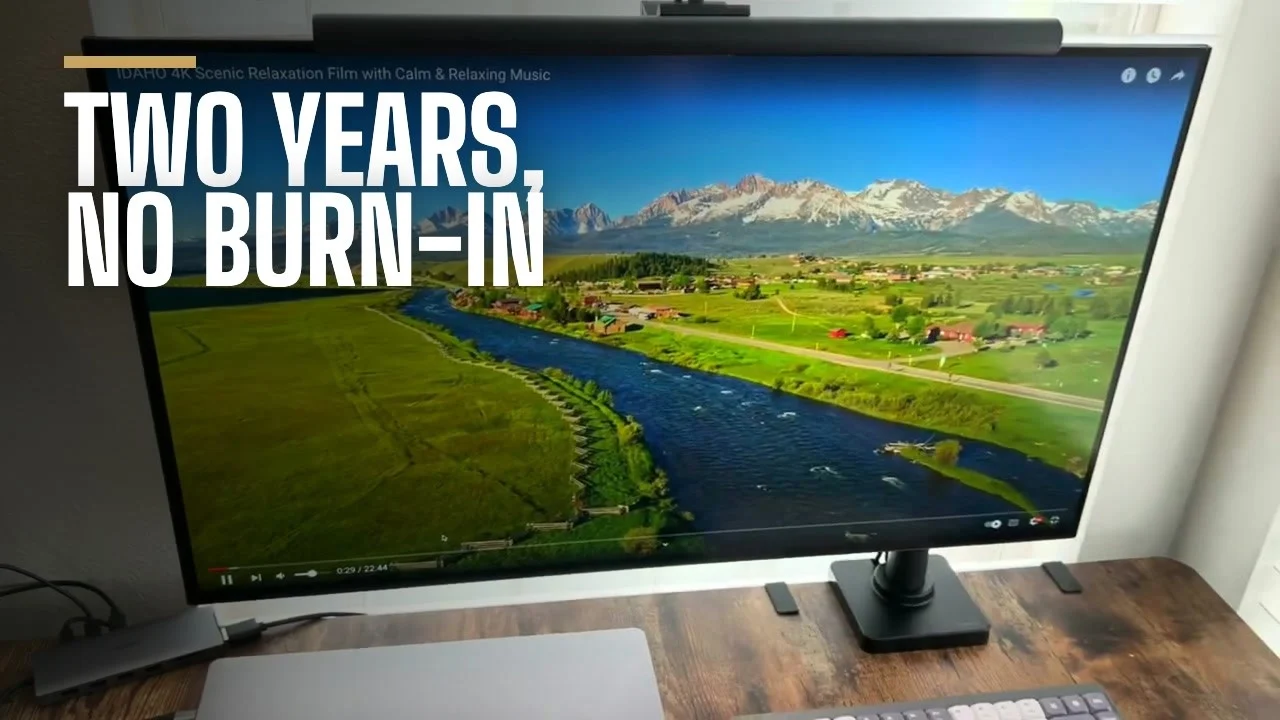
- No burn-in or lines after two years as my main monitor
- Silent cooling
- 4K up to 240 Hz or 1080p up to 480 Hz for gaming
- No USB-C port with laptop charging
- Bulky plastic stand
- Matte texture is visible
- Through my Anker TB5 dock, the screen sometimes blinks black for a moment (cause unknown)
| Screen | 31.5" OLED, 4K UHD |
|---|---|
| Refresh rate | Up to 240 Hz at 4K or 480 Hz at 1080p (Dual Mode) |
| Response time | 0.03 ms (GtG) |
| HDR | DisplayHDR True Black 400 |
| Coating | Anti-glare, low-reflection |
| Video inputs | HDMI 2.1, DisplayPort 1.4 |
| Stand | Height, tilt, pivot (I use an Ergotron arm) |
| Price I paid | About $1,200 |
I almost got rid of the LG 32GS95UE. It's been my main monitor since 2024, and it's still on my desk with no burn-in and no lines. The reason I kept it is the same thing some people complain about: the matte coating. I bought it myself for around $1,200. I also made a video review.
Quick verdict
- Buy it if your desk is near a window and reflections drive you crazy. The matte coating fixes that.
- Buy it if you want a 32-inch OLED for work that can also game: 4K at up to 240 Hz or 1080p at up to 480 Hz.
- Skip it if you want one USB-C cable to your laptop with charging. This monitor doesn't have that.
How I use it
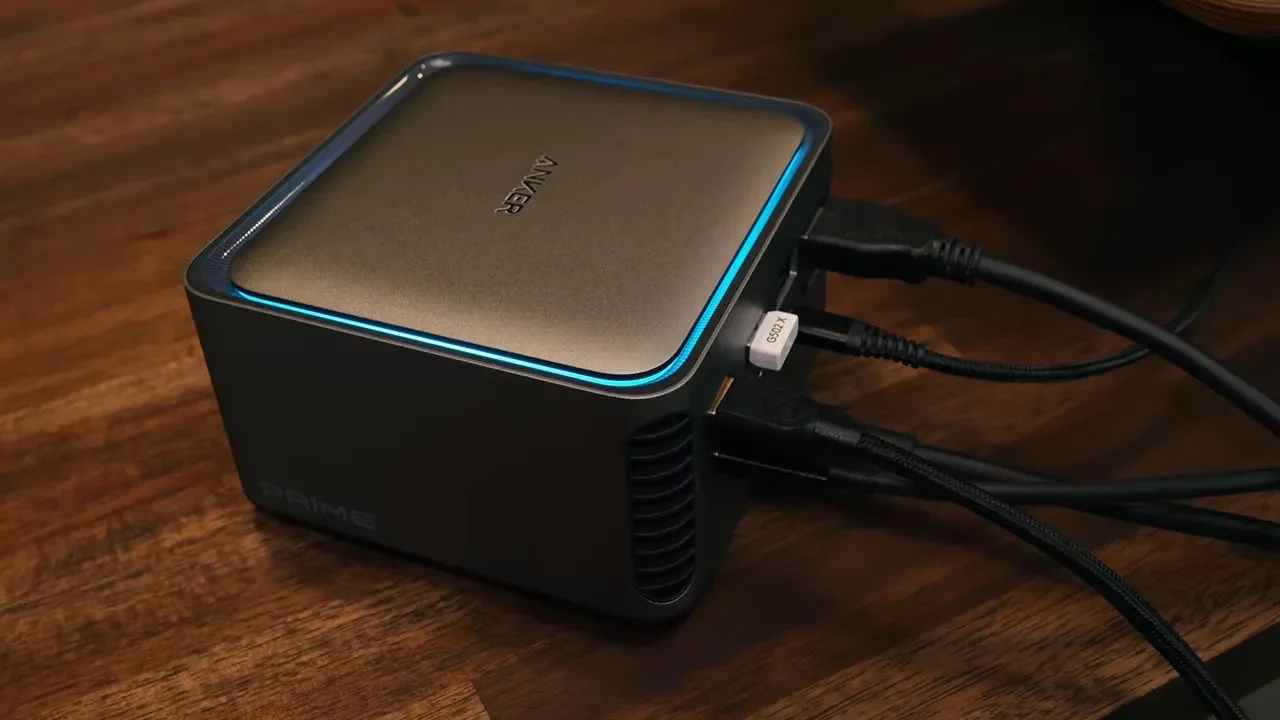
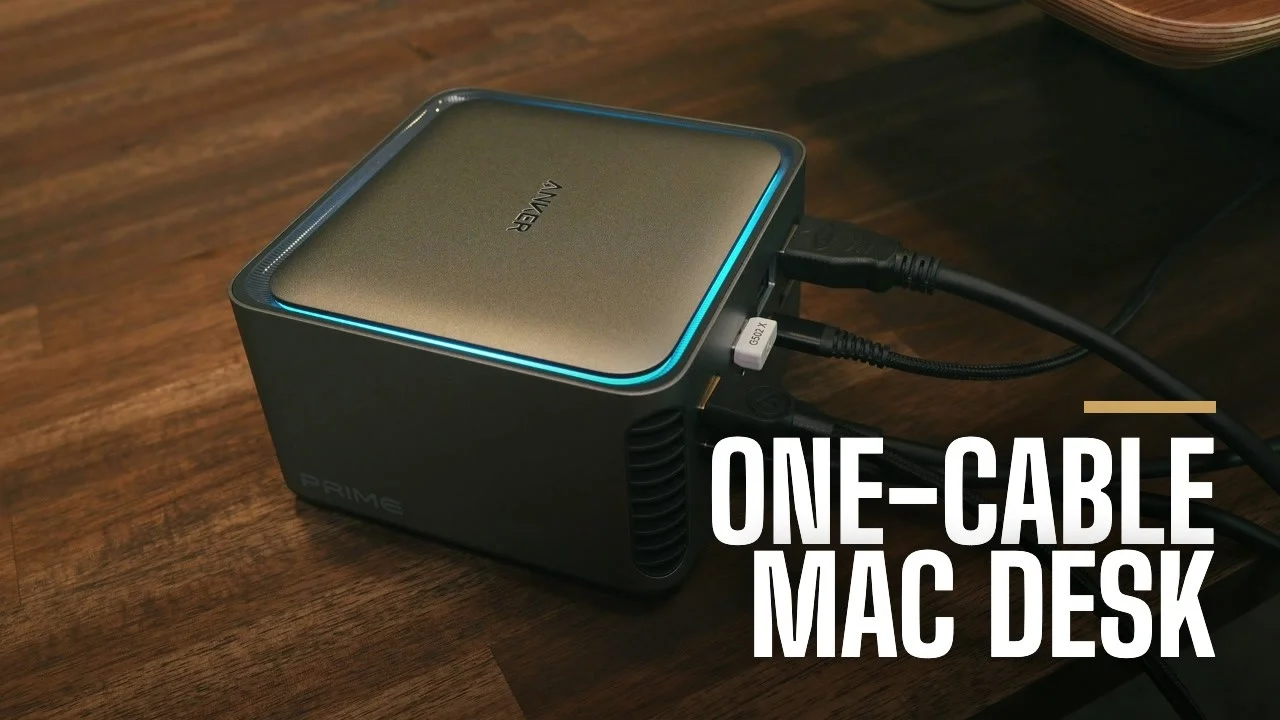
I mostly do web development and web design for my agency, and I edit my videos on it. Right now it's connected to my MacBook Pro M5 Max through the Anker Prime TB5 dock over HDMI. When I had the HP Omen Max 16, I played games on it too. Everything ran great, but I'm not a gamer, so I can't tell you much more than that.
The matte coating is why I kept it
Before this, my main monitor was a 42-inch LG OLED TV. With a window in front of me and another one on my right, it was a disaster: too many reflections, too many distractions. So I got rid of it and gave this one a shot.
LG calls the finish anti-glare, low-reflection. I don't see reflections on the screen anymore, and I can edit without distractions. You can see the coating. It's different, but it's not terrible. Text is crisp and sharp, and I don't see the oily look people complain about.
Even if your room isn't like mine, think twice about where you'll use a monitor before you pick the screen finish. I wouldn't go back to a monitor without this coating.
Two years later: no burn-in
I've used it as my main monitor every day since 2024. So far I haven't seen any burn-in or lines on the screen.
One thing I haven't figured out: through the Anker Prime TB5, the screen sometimes blinks black for a moment and comes back on. It only happens through the dock, and I don't know yet whether it's the dock itself or the cable.
Design and the stand
The frame around the screen is metal, like on LG's OLED TVs, and the back is plastic. The stand that comes with it is a big plastic one, and it takes too much space on the desk. I put the monitor on an Ergotron monitor arm. It fits this monitor well, and I have no complaints about it.
Ports: my biggest complaint
There's no USB-C port with charging. The ports feel like they're from ten years ago, and I don't understand why LG didn't add one. With a MacBook, you need a dock or a separate cable for charging.
With the M1 Max MacBook Pro I had before, I could only get 144 Hz. LG says 240 Hz needs DisplayPort 1.4 or HDMI 2.1, so check what your computer and dock can actually output before you pay for 240 Hz.
Cooling and speakers
The cooling is completely silent. I've never heard anything from it. The built-in speakers sound good for a monitor.
Who should buy the LG 32GS95UE
- People who work near windows and are tired of reflections on a glossy screen.
- Designers and developers who want sharp text on a 32-inch OLED.
- People with picky eyes who want one monitor for daily work and watching videos.
Who should skip it
- MacBook users who want one USB-C cable with charging and no dock.
- People who don't like a visible matte texture.
- Anyone with a small desk who plans to keep the stock stand.
Should you upgrade?
If you're on a glossy screen, like my old 42-inch LG TV, and reflections bother you, yes. After two years, it's still the monitor on my desk.
Pairs well with
- Ergotron monitor arm: holds my 32-inch LG OLED
- HumanCentric monitor shelf: my $69 desk upgrade
- Quntis RGB monitor light bar: won my light bar comparison (comparison)
FAQ
Does the LG 32GS95UE get burn-in?
Not mine, so far. I've used it as my main monitor since 2024 and haven't seen burn-in or lines.
Is the matte coating bad?
Not for me. You can see it, but text stays sharp, and it kills the reflections from my windows.
Does the LG 32GS95UE have USB-C?
It has no USB-C port with laptop charging. I connect my MacBook through a dock.
Does it run at 240 Hz on a MacBook?
LG says 240 Hz needs DisplayPort 1.4 or HDMI 2.1. With my old M1 Max MacBook Pro, I only got 144 Hz. I haven't confirmed whether my M5 Max gets 240 Hz through the dock.
Is the LG 32GS95UE good for gaming?
I'm not a gamer, but games on my HP Omen Max 16 ran great on it. It does 4K at up to 240 Hz or 1080p at up to 480 Hz.
Is it good for work?
Yes. I use it every day for web development, design and video editing.
LG 32GS95UE