A fast, good-looking gaming laptop with a great OLED screen and easy upgrades. Buy it to game. As a work laptop, the battery, the fan noise and the weight get in the way.
- 140+ fps at 1440p on max settings
- 2560 × 1600 OLED, up to 240 Hz
- Calm Glacier White design
- Most ports on the back
- Easy RAM and main SSD upgrades
- Nothing broke in six months
- 40 minutes to an hour on battery under load
- Loud fans and a hot CPU under heavy load
- About 3.7 kg with the charger
- Screen wobbles when you bump the desk
- So-so keyboard with tiny arrow keys
- Flat speakers
- Second SSD slot sits under the cooling system
| Processor | Intel Core Ultra 9 275HX (24 cores, up to 5.4 GHz) |
|---|---|
| Graphics | NVIDIA GeForce RTX 5080 Laptop GPU, 16 GB GDDR7 |
| Display | 16" OLED, 2560 × 1600, up to 240 Hz, 0.2 ms |
| Memory | 64 GB Kingston FURY DDR5-5600, my upgrade (two slots, up to 64 GB) |
| Storage | Samsung 990 EVO Plus 2 TB, my upgrade |
| Ports | 2 × Thunderbolt USB-C (40 Gbps, charging), 2 × USB-A (10 Gbps), HDMI 2.1, Ethernet, headphone/mic jack |
| Weight | 2.68 kg (5.92 lb), about 3.7 kg with the charger |
| Color | Glacier White |
| Price I paid | $2,000 before tax |
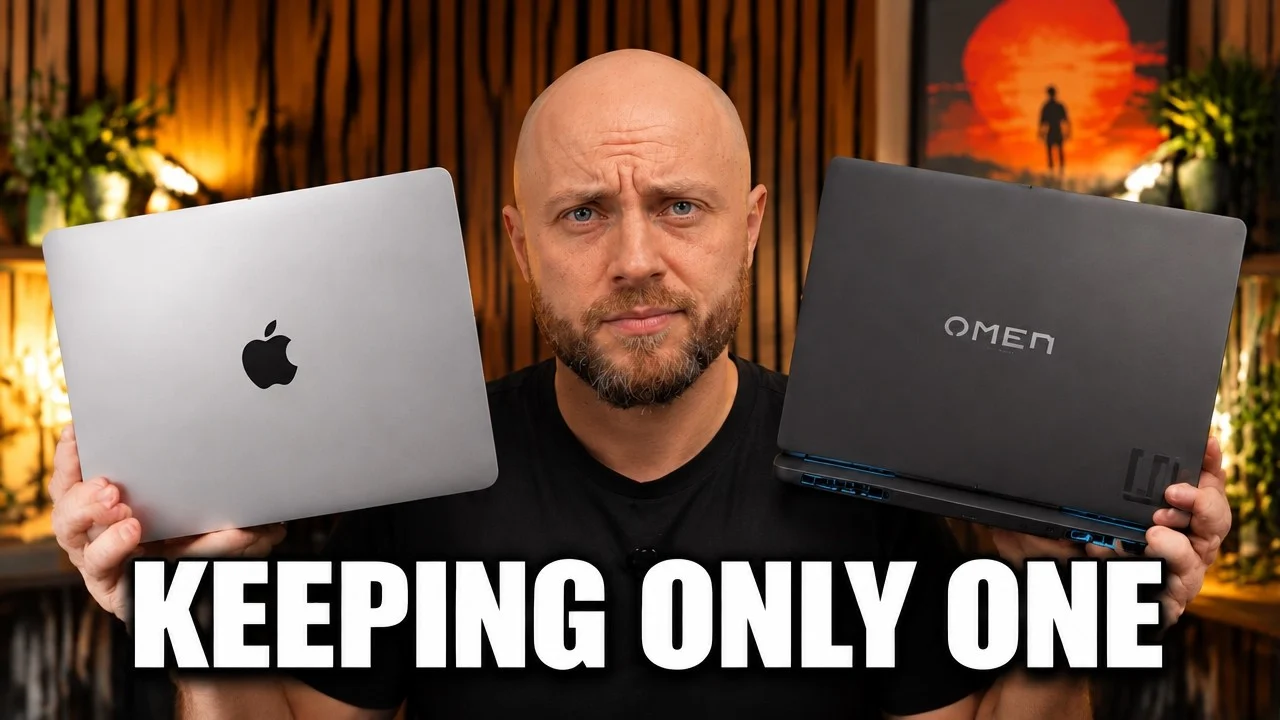
I bought the HP Omen Max 16 with an RTX 5080 for $2,000 before tax. I ordered it once, cancelled, and a few weeks later got lucky with the price. It replaced my 16-inch MacBook Pro M1 Max from 2021 as my main machine for gaming, work and video editing. I used it for about six months, then sold it and went back to a MacBook. Here's what it was like, and who I'd still tell to buy one. I also made a video review.
Quick verdict
- Buy it if you want to game. 140+ fps at 1440p on max settings, a great OLED screen and a design you can take to a client meeting.
- Skip it if you need a work laptop. Under load the battery lasts 40 minutes to an hour, the fans are loud, and it's heavy to carry around.
In six months nothing broke: the hinge, the fans and the screen worked like clockwork. The battery, though, was weak from day one.
Design: a gaming laptop that doesn't look like one
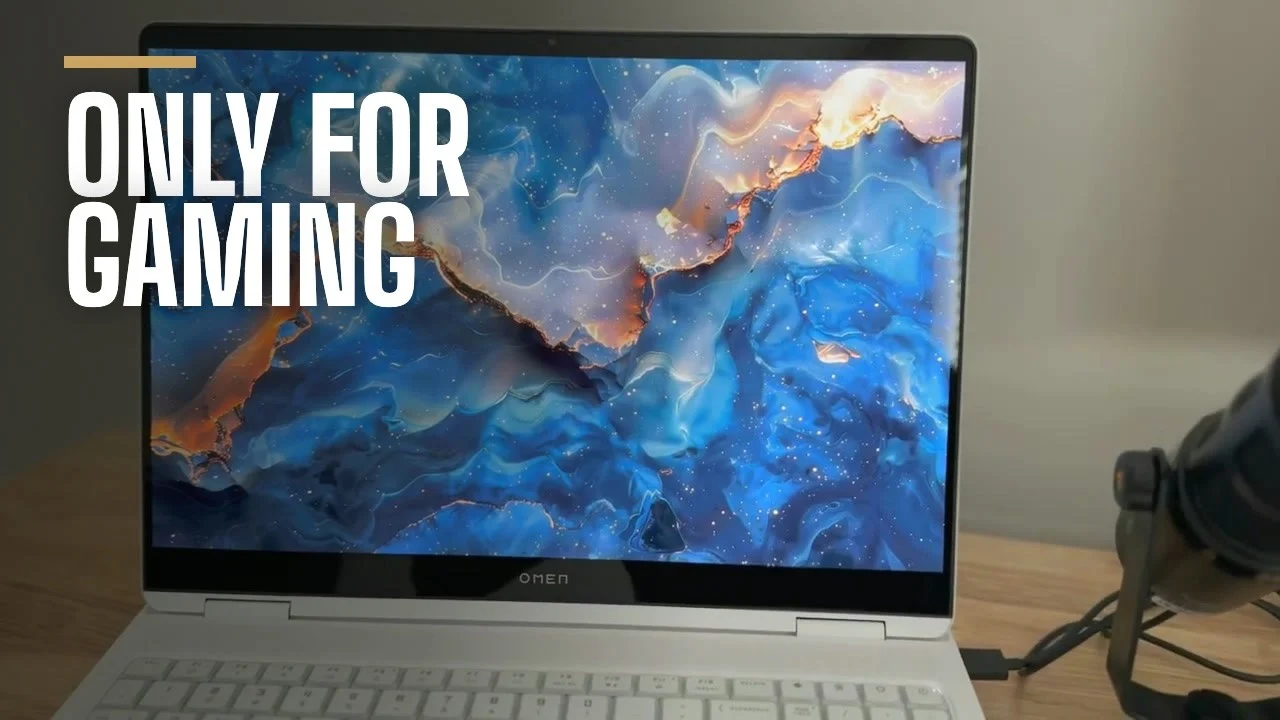
I went with Glacier White, and I like it a lot. Most gaming laptops look like someone glued Christmas lights to a tank. This one is calm and minimal, with a small logo, and you can open it in a client meeting without anyone asking if you're a gamer. The white finish doesn't pick up fingerprints. For design I gave it five out of five.
The body is solid: no gaps, no rattles, no twisting when you pick it up. The weak spot is the screen hinge. If you bump the desk, the display wobbles. It's not a big deal. It just doesn't have that brick-wall hinge feel you get on a MacBook.
In the box you get the laptop, a huge power brick and some paperwork.
Keyboard, trackpad and ports
Coming from a MacBook, the keyboard is just okay. Travel is decent, feedback is soft, and the deck flexes a little if you press hard in the middle. There's a full number pad, which is great for spreadsheets and shortcuts. The arrow keys are tiny, almost comically small. And the keycaps have a painted look, like someone on HP's design team thought, "What if we made them look like stickers?" Terrible decision.
The trackpad is accurate and smooth enough, but nothing compares to Apple's glass trackpad. I use a mouse anyway, a Logitech G502.
The port layout is one of my favorite things about this laptop. Most of the cables go out the back, so nothing sticks out of the sides:
- Back: power, Ethernet, HDMI 2.1 and one USB-A.
- Left: two Thunderbolt USB-C ports with charging and the headphone jack.
- Right: one more USB-A, handy for a mouse dongle.
Upgrading the RAM and SSD
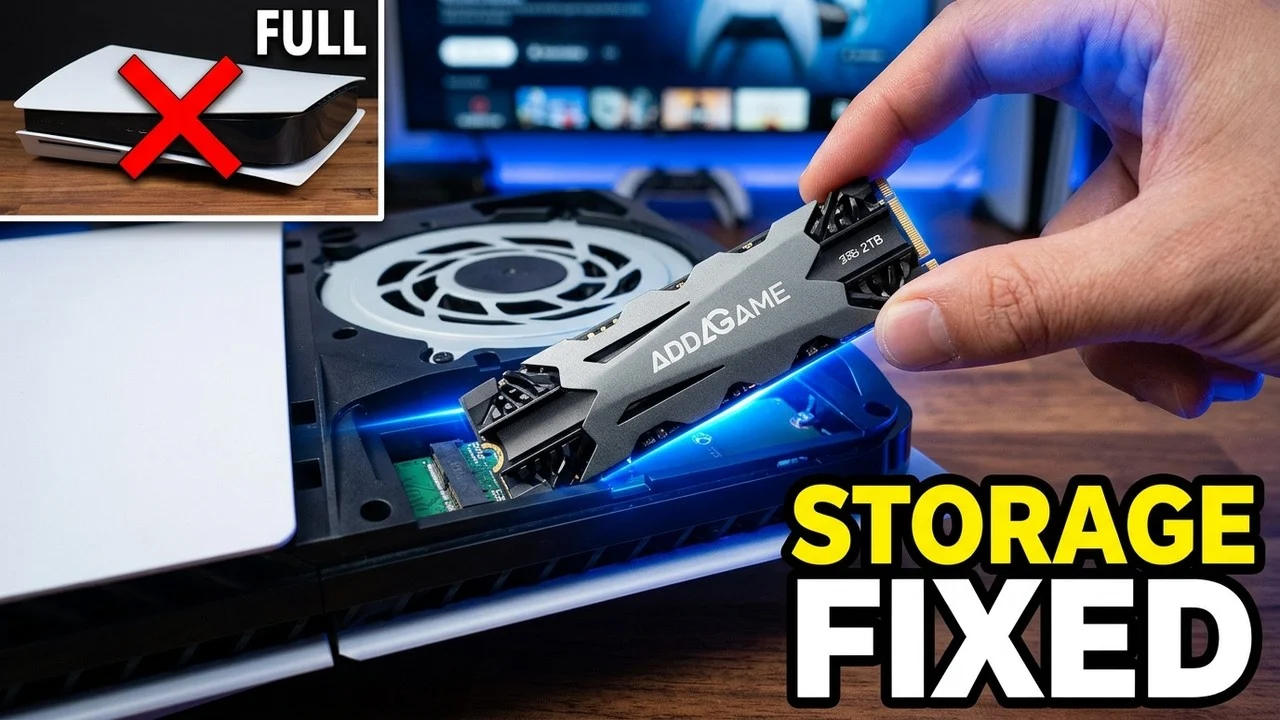
The first thing I did was take the back panel off. I installed 64 GB of Kingston FURY DDR5 and a 2 TB Samsung 990 EVO Plus. These days, when so many laptops have soldered memory, being able to unscrew, swap and close it up is a big deal.
The catch: only one SSD slot is realistically reachable. The second one sits under the heat pipes, and getting to it means taking apart half of the cooling system. Kind of embarrassing. Step by step: how I upgraded the RAM and SSD in the Omen Max 16.
The extra RAM doesn't help in games. I added it for work.
Gaming performance
I didn't run synthetic benchmarks. This is what I saw while playing, on max settings, on my external LG OLED monitor:
Game | 1440p (2K) | 4K |
|---|---|---|
Chivalry 2, max settings | about 140 fps, rock solid | 100+ fps |
Call of Duty: Modern Warfare III, max settings | 140+ fps | — |
No stuttering and no drops. The RTX 5080 handled everything I played.
Video editing was also noticeably smoother than on my old MacBook Pro M1 Max, even with an external monitor connected. The catch: while I edit, the fans sound like a plane taking off.
Heat and fan noise
In the video I said the CPU hit 95–100°C and the GPU 85–90°C under heavy load. Looking back, it actually ran a bit cooler than that. Still, the CPU temperatures are the weak point of this laptop.
In games the fans sound like a hair dryer on full blast. You will hear them, but there's no weird whining or squeals.
For the price, though, the cooling is surprisingly solid. HP uses a vapor chamber, a liquid-metal hybrid thermal compound it calls OMEN Cryo Compound, and a Fan Cleaner mode that spins the fans backward between gaming sessions to push dust out.
The OLED display
The screen is the best part of this laptop. 2560 × 1600, up to 240 Hz, deep blacks and vibrant colors, whether you're editing photos, gaming or watching a movie. You can notice some flicker. I'm sensitive to that, and on this laptop it didn't bother me.
Battery, speakers and webcam
- Battery: a joke. 4 to 5 hours of light work like documents and email. Under load, 40 minutes to an hour. This is a performance laptop, and it lives on the charger.
- Speakers: flat. Honestly, my iPhone sounds better.
- Webcam: fine for Zoom and client calls, not for YouTube videos.
Six months later: why I sold it
Nothing broke. I sold it because a gaming laptop turned out to be the wrong tool for my work. The battery, the fan noise and carrying 3.7 kg with the charger got in the way every day, and the MacBook Pro M5 Max does my editing as fast or faster at about a third of the power. It's my main laptop now. The full story: MacBook Pro M5 Max vs HP Omen Max 16 after six months.
If a friend asked me today, I'd say: buy it if gaming is the point. If you need it for work, don't even think about it.
Who should buy the HP Omen Max 16
- Gamers who want top-tier performance and an OLED screen.
- People who edit video on Windows and don't mind fan noise.
- People who want to upgrade RAM and storage over time.
Who should skip it
- Anyone who needs a work laptop that lasts on battery.
- People who are bothered by fan noise and heat.
- MacBook users who can't live without the trackpad.
Pairs well with
- Kingston FURY 64GB DDR5: the RAM upgrade in my HP Omen (guide)
- Samsung 990 EVO Plus 2TB: the SSD I added to my HP Omen (guide)
- LG 32GS95UE: my main monitor since 2024 (review)
FAQ
Is the HP Omen Max 16 good for gaming?
Yes. With the RTX 5080 I got about 140 fps at 1440p on max settings in Chivalry 2 and over 140 fps in Call of Duty: Modern Warfare III, with no stutters.
How long does the HP Omen Max 16 battery last?
In my use, 4 to 5 hours of light work and 40 minutes to an hour under load. Plan on keeping it plugged in.
Can you upgrade the RAM and SSD?
Yes. There are two RAM slots (up to 64 GB DDR5-5600, per HP) and the main SSD slot is easy to reach. The second SSD slot sits under the cooling system. Here's my upgrade guide.
Does the HP Omen Max 16 run hot?
It runs hot under heavy load. In the video I said 95–100°C for the CPU and 85–90°C for the GPU, but it actually ran a bit cooler than that. The fans get loud.
How heavy is the HP Omen Max 16?
HP lists it at 2.68 kg (5.92 lb). With the power brick, you're carrying about 3.7 kg.
Does it have Thunderbolt?
Yes, two Thunderbolt USB-C ports at 40 Gbps with charging, on the left side.
HP Omen Max 16